































































 Home
Home
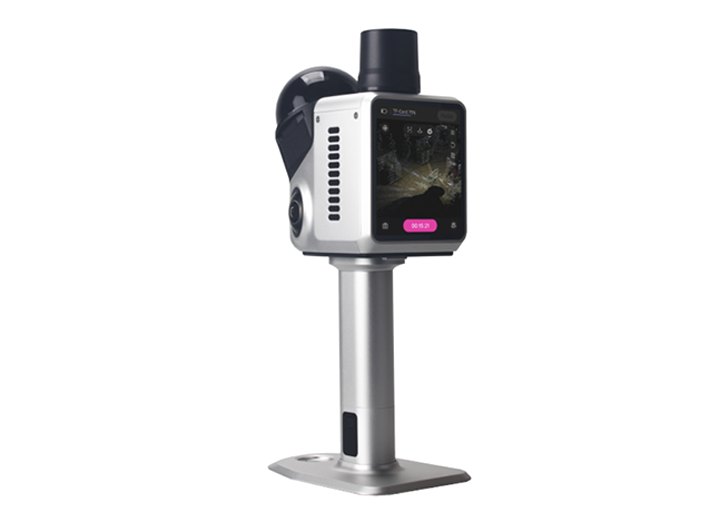
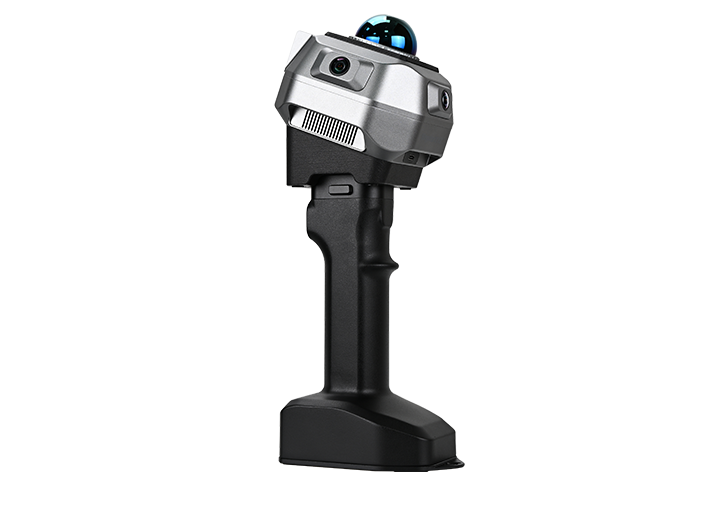
H1 Handheld 3D Laser Scanner
learn more








 2026-02-02
 Satoshi


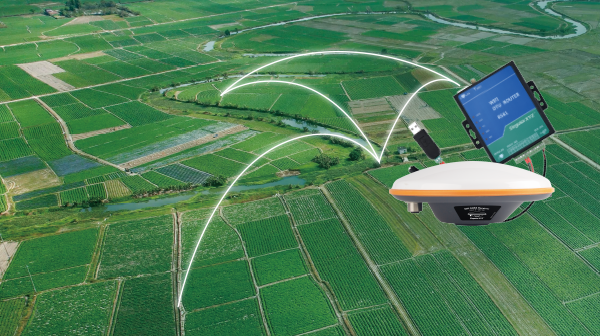
When collecting point cloud data, many workflows start from geometric reconstruction. In practice, absolute coordinates can be introduced in different ways—for example, through ground control points during post-processing, or directly during data acquisition using RTK.
In this Tech Chat, we introduce how to use the H1's NTRIP feature to enable RTK positioning during scanning, allowing point cloud data to be generated with absolute coordinates from the start.
Important: This feature is supported only on devices running firmware version 5.0.4r or later. If your device is running an earlier version, please contact our technical support team.
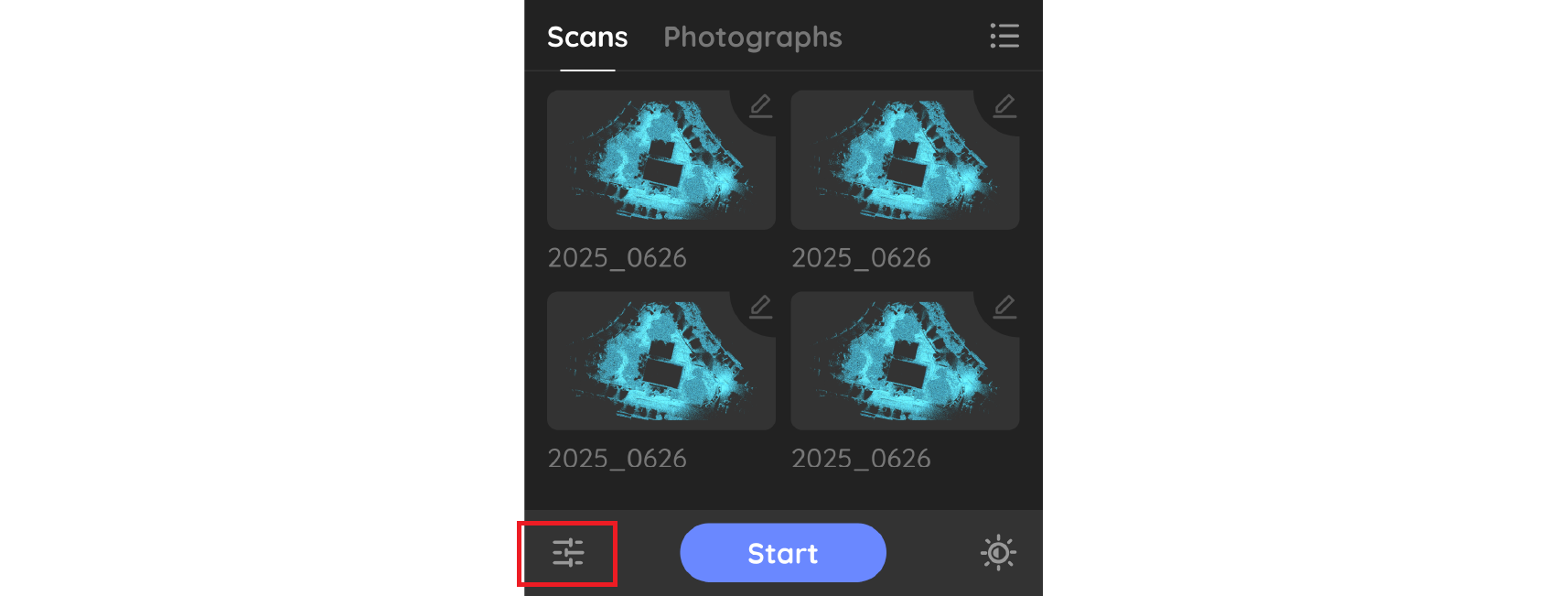
Step 1: Access System Settings
Power on the device and tap the Settings button in the lower-left corner to enter the system settings interface.
Step 2: Connect to a Wi-Fi Network
Tap Hotspot Links to open the network configuration page. Enter the Wi-Fi name and password, then tap Connect.

Note: The Wi-Fi name must exactly match the name shown in the available Wi-Fi list.
Step 3: Enter the Scanning InterfaceConfigure RTK (NTRIP)
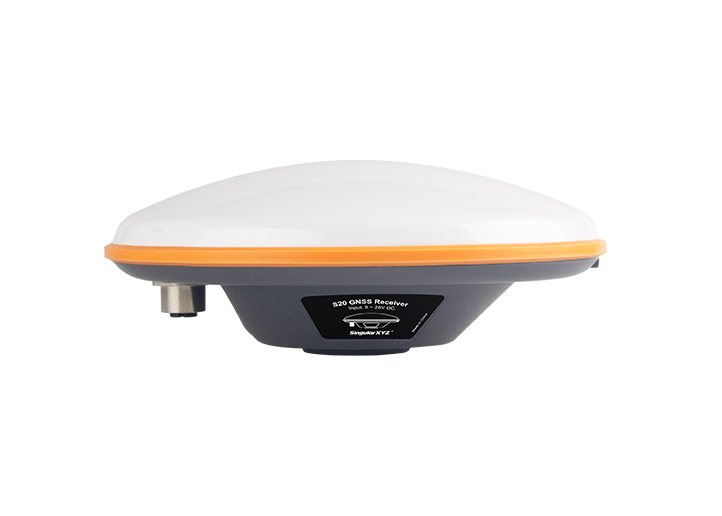
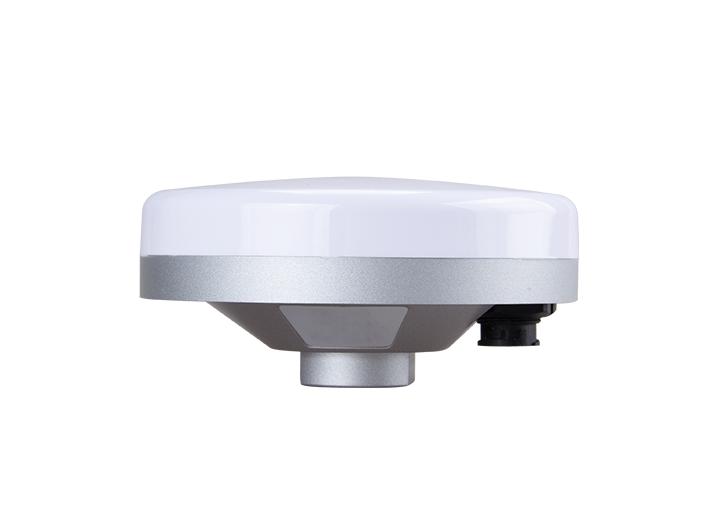
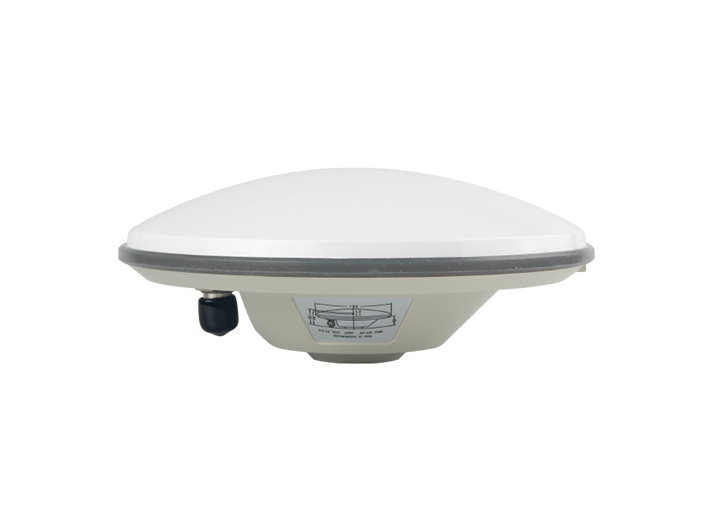
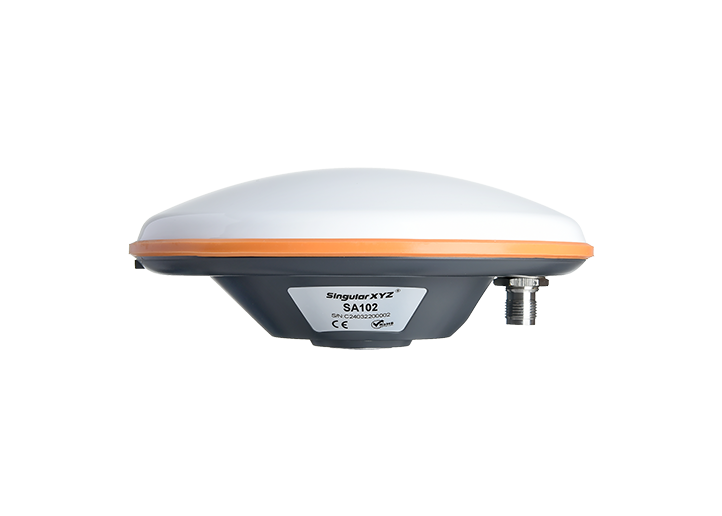
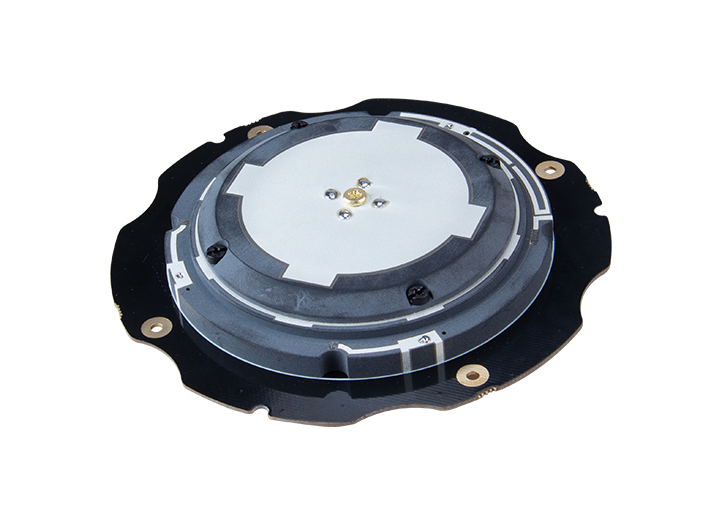
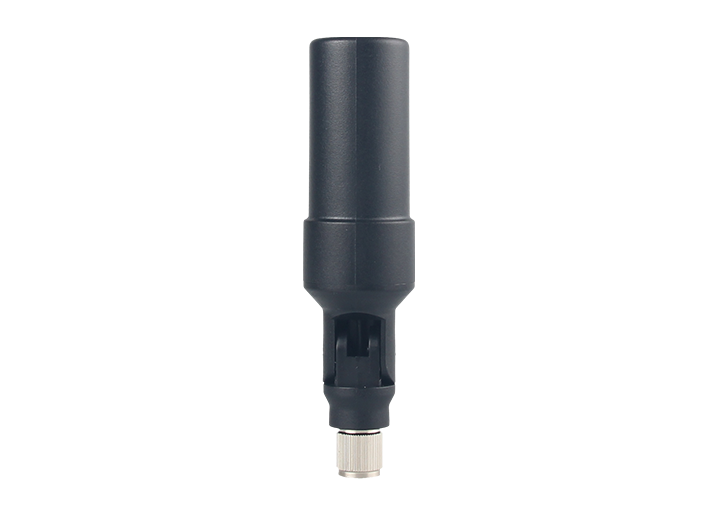
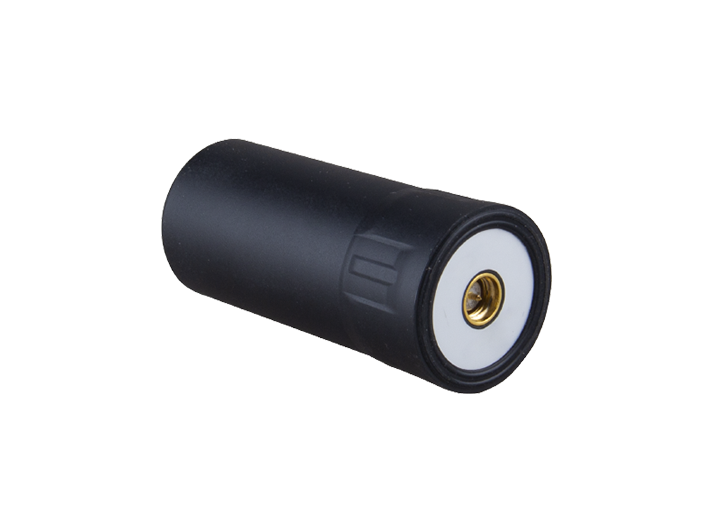
Return to the main interface and tap Start to enter the scanning interface. Then tap GPS. Make sure the GPS antenna is properly installed before proceeding.
In the GPS interface, enable both GPS and RTK. Enter your NTRIP account information, including the mount point, and then tap Save.
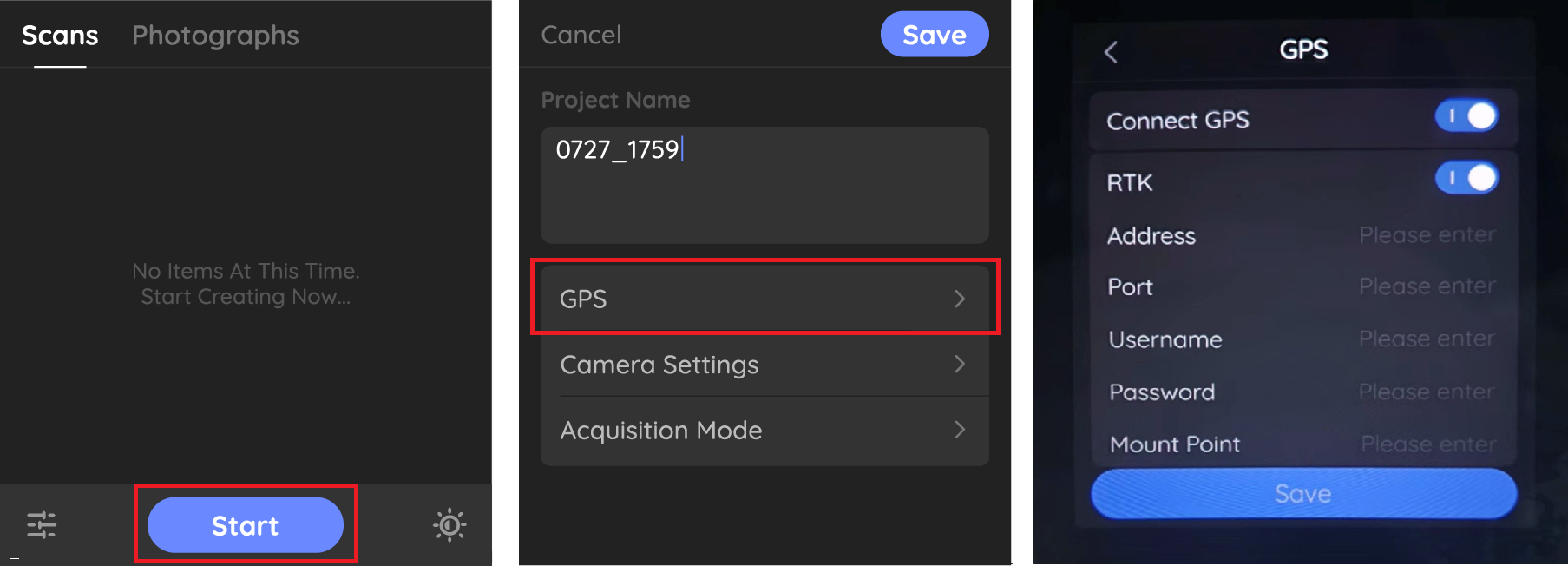
Note: The mount point must be entered manually. Please ensure the mount point name is correct.
Step 4: Start Scanning
Once the configuration is complete, you can begin scanning. After the scan finishes, a file named GPS.bag will be generated in the project folder. This file contains the RTK coordinate information used for georeferencing the point cloud data.

Note: For detailed RTK processing operations in the software, please refer to Section 4.5.1 of the H1 User Manual.
By combining NTRIP-based RTK positioning with H1 point cloud scanning, users can obtain spatial data that is not only detailed in geometry, but also accurately placed in the real world. This approach helps reduce post-processing effort and makes the collected data immediately usable for engineering, mapping, and inspection workflows.