





















































 Home
Home
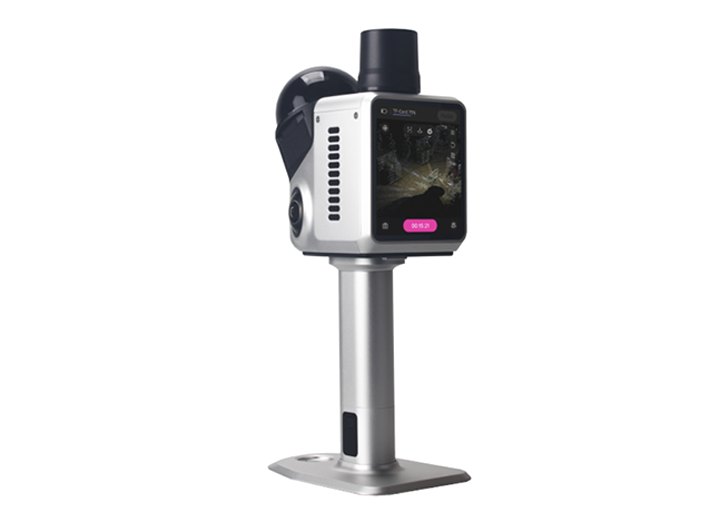
Smart Base Station
learn more






 2026-06-16
 Kyrie
Kyrie


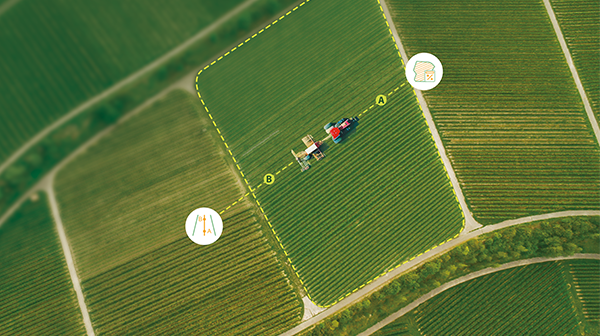
When setting up an RTK base station, users typically need to configure radio settings and define a reference position before operation begins. In fieldwork such as auto-steering, repeated setup or inconsistent base positioning can shift guidance lines and reduce overall efficiency.
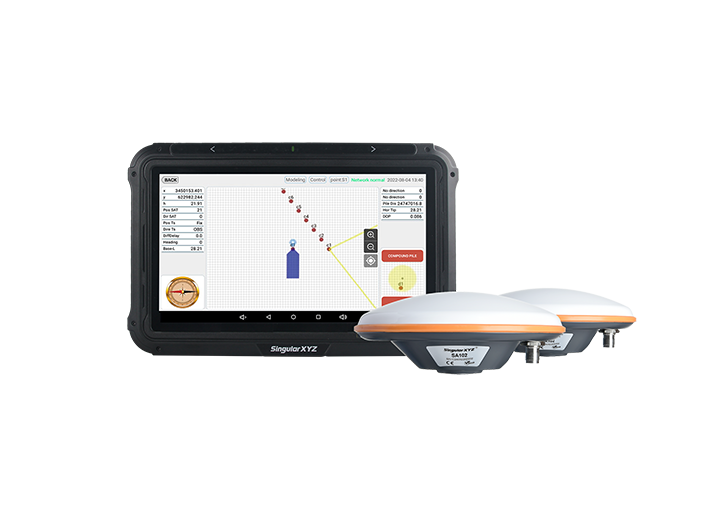
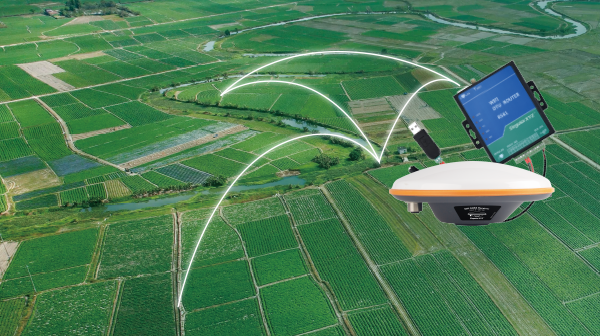
To simplify this process, SingularXYZ introduces the SmartBase function. It enables the receiver to start in base mode after power-on automatically, broadcast correction data using predefined settings, and recognize previously used base locations. When the receiver is restarted within a familiar location range, it can automatically apply the corresponding base reference, helping maintain consistent guidance lines and reducing setup time in the field.
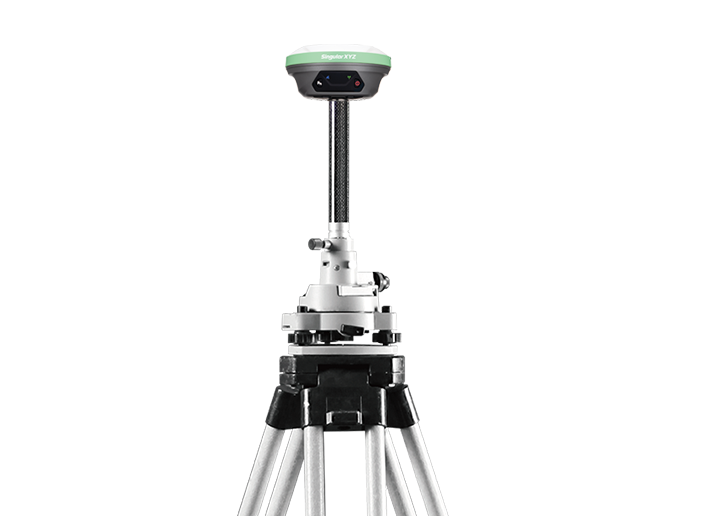
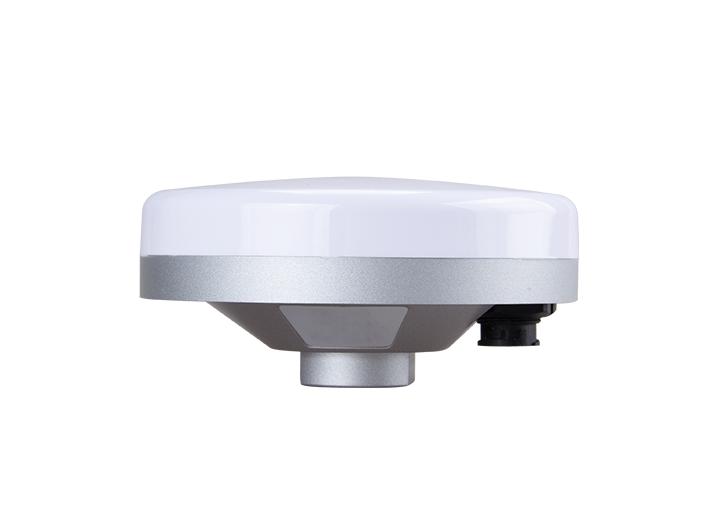
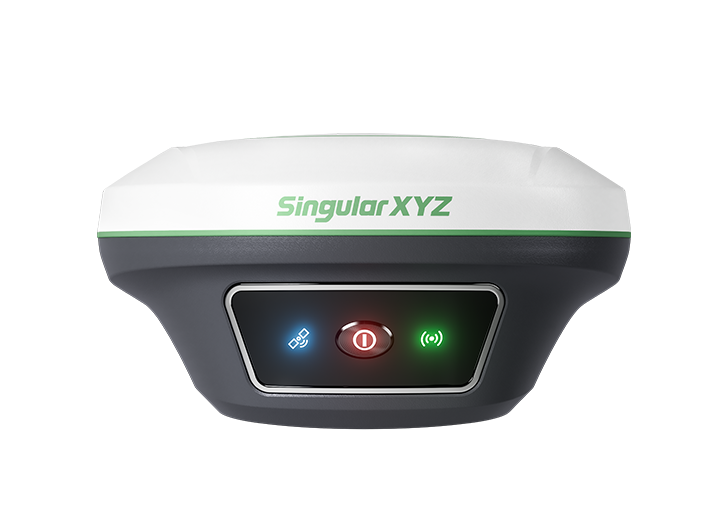
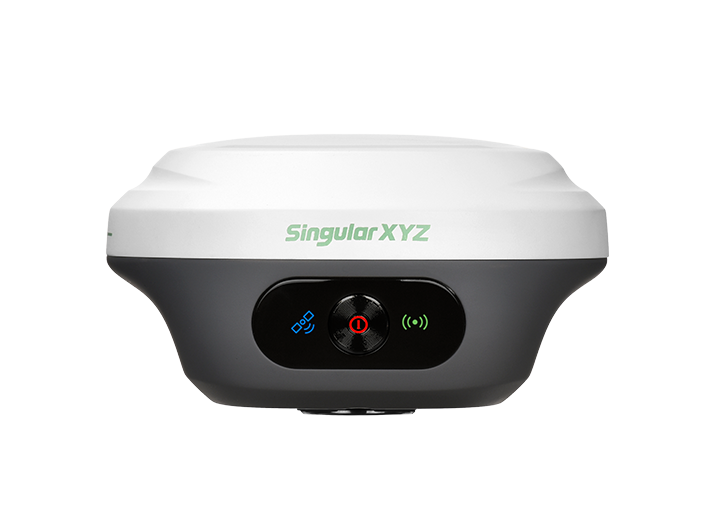
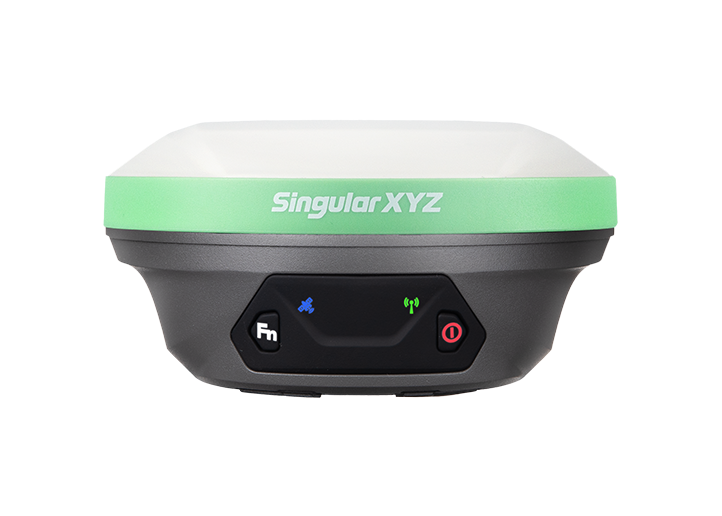
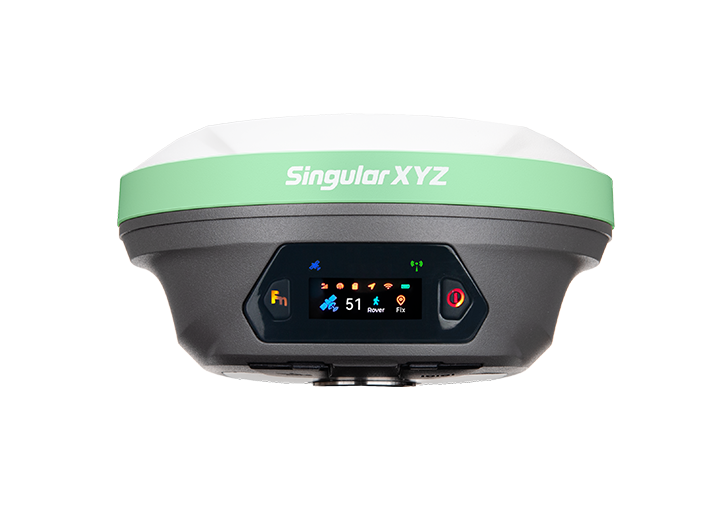
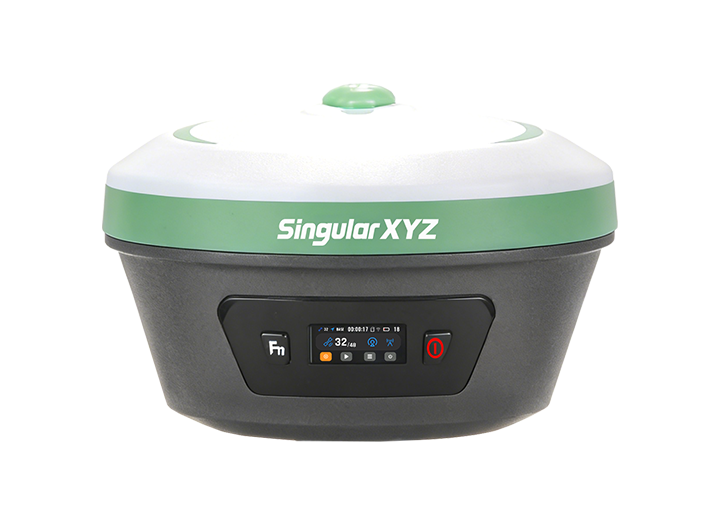
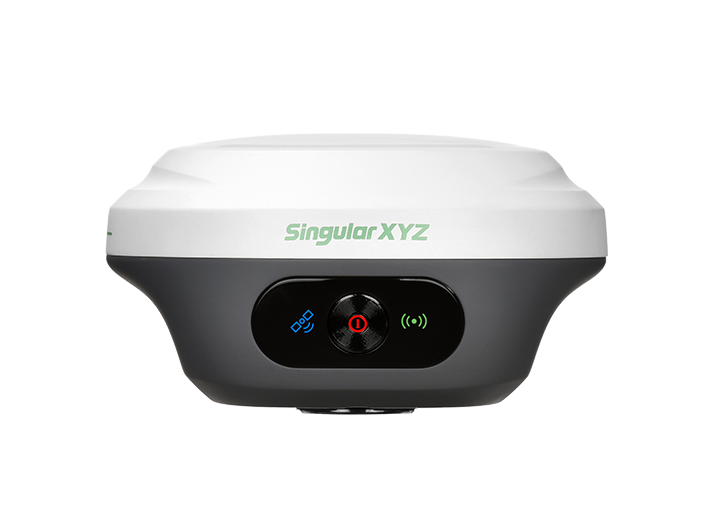
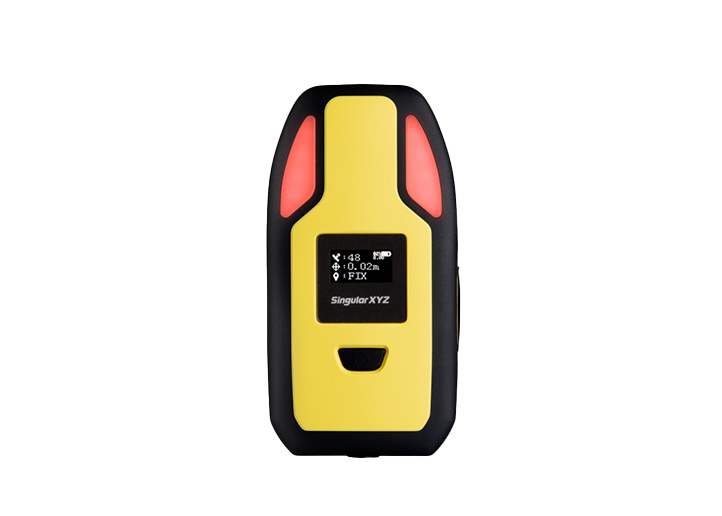
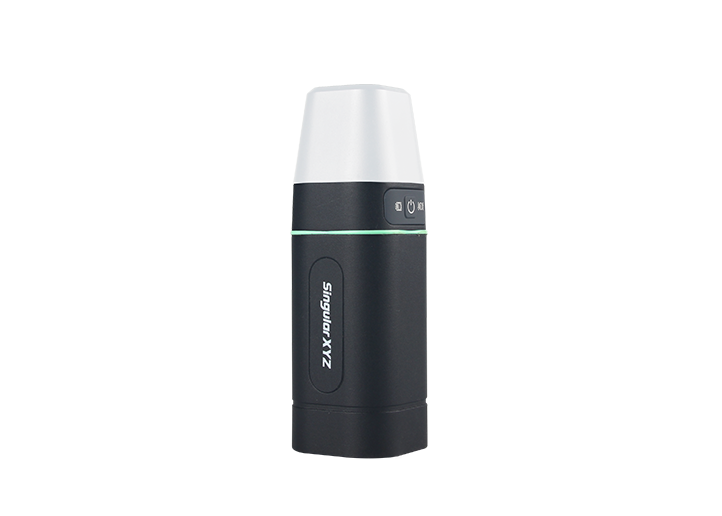
This blog uses the X1 GNSS Receiver as an example to demonstrate how to enable and use the SmartBase function.
Before using SmartBase, make sure the receiver is running the corresponding SmartBase firmware version.
Upgrade the receiver to the SmartBase firmware package provided by SingularXYZ.
Example shown below: X1 SmartBase firmware.
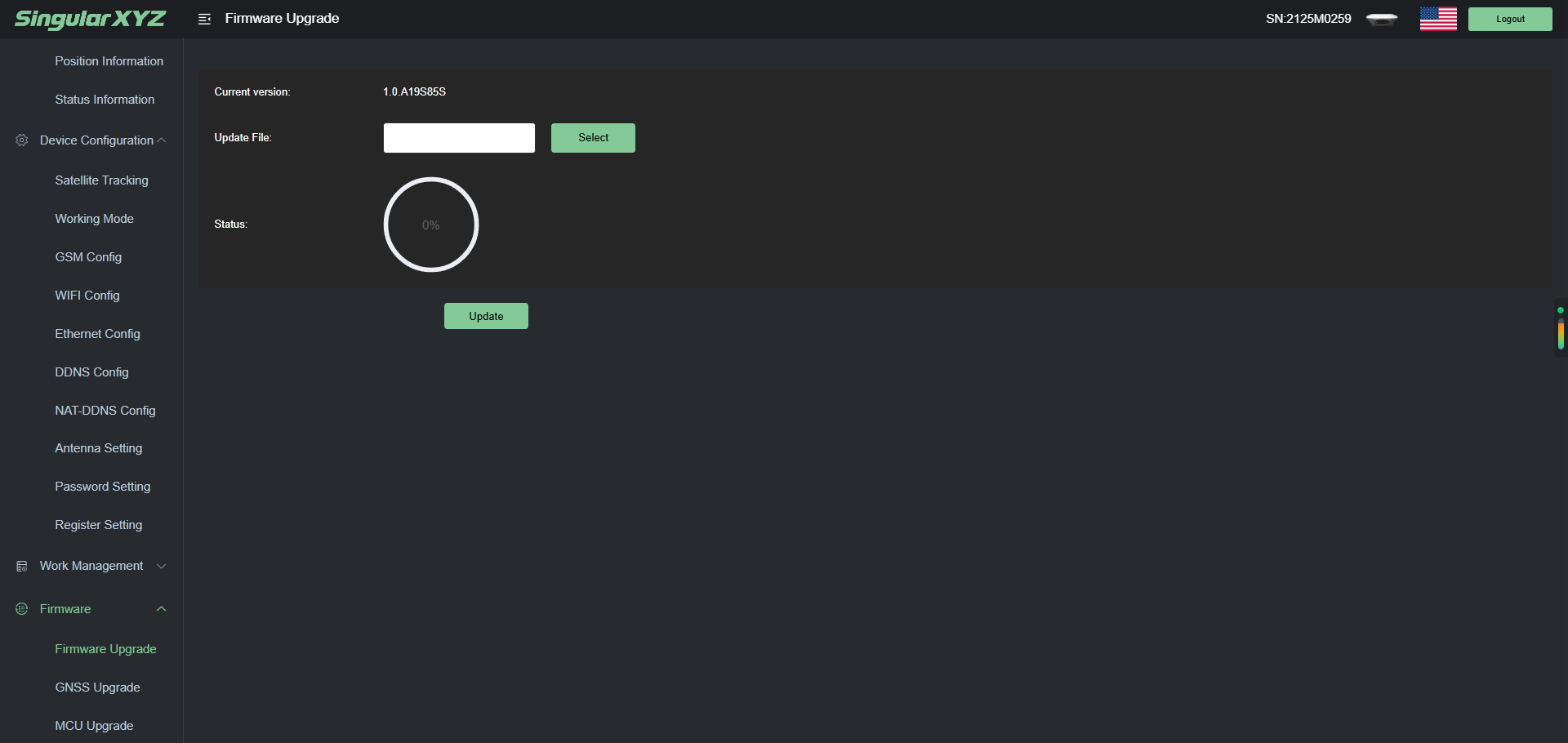
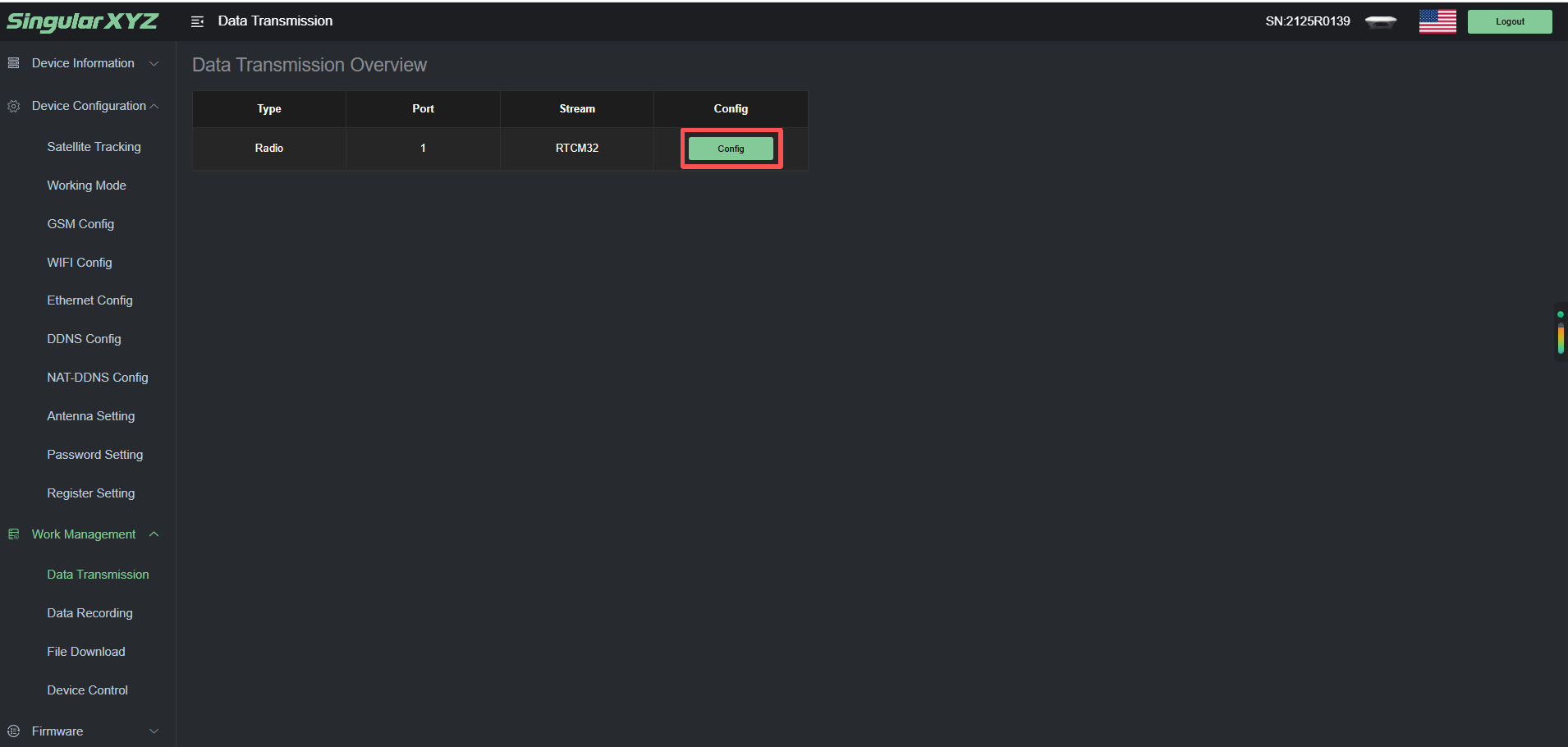
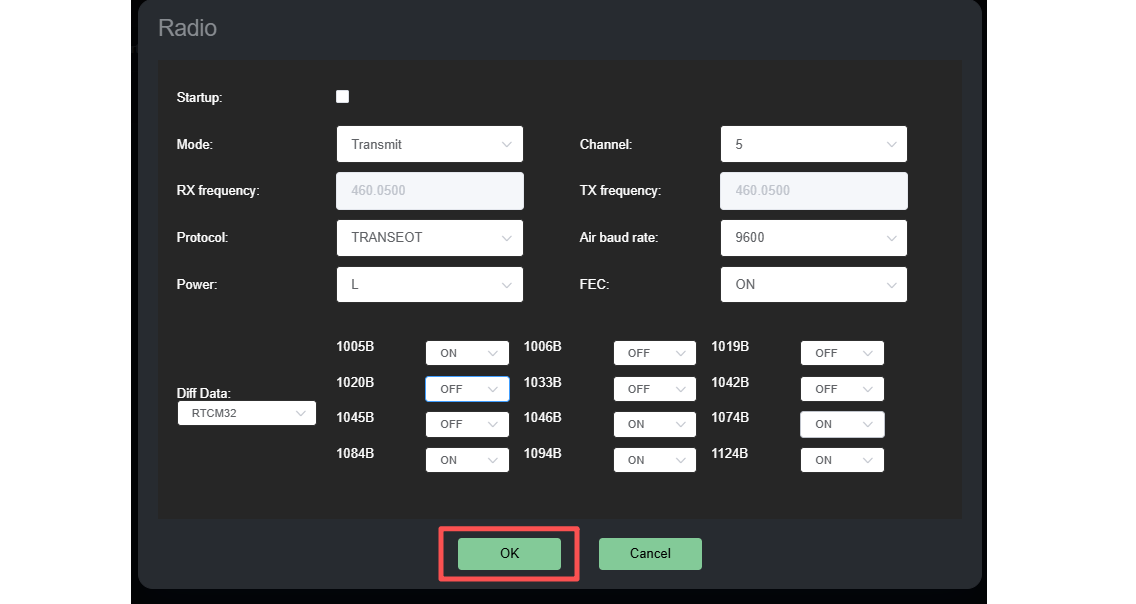
After the firmware upgrade is completed, enter the radio configuration interface and configure the required radio parameters, including:
Radio protocol
Frequency
Baud rate
These settings should match the rover configuration to ensure normal communication.
After completing the configuration, tap OK to save the settings.
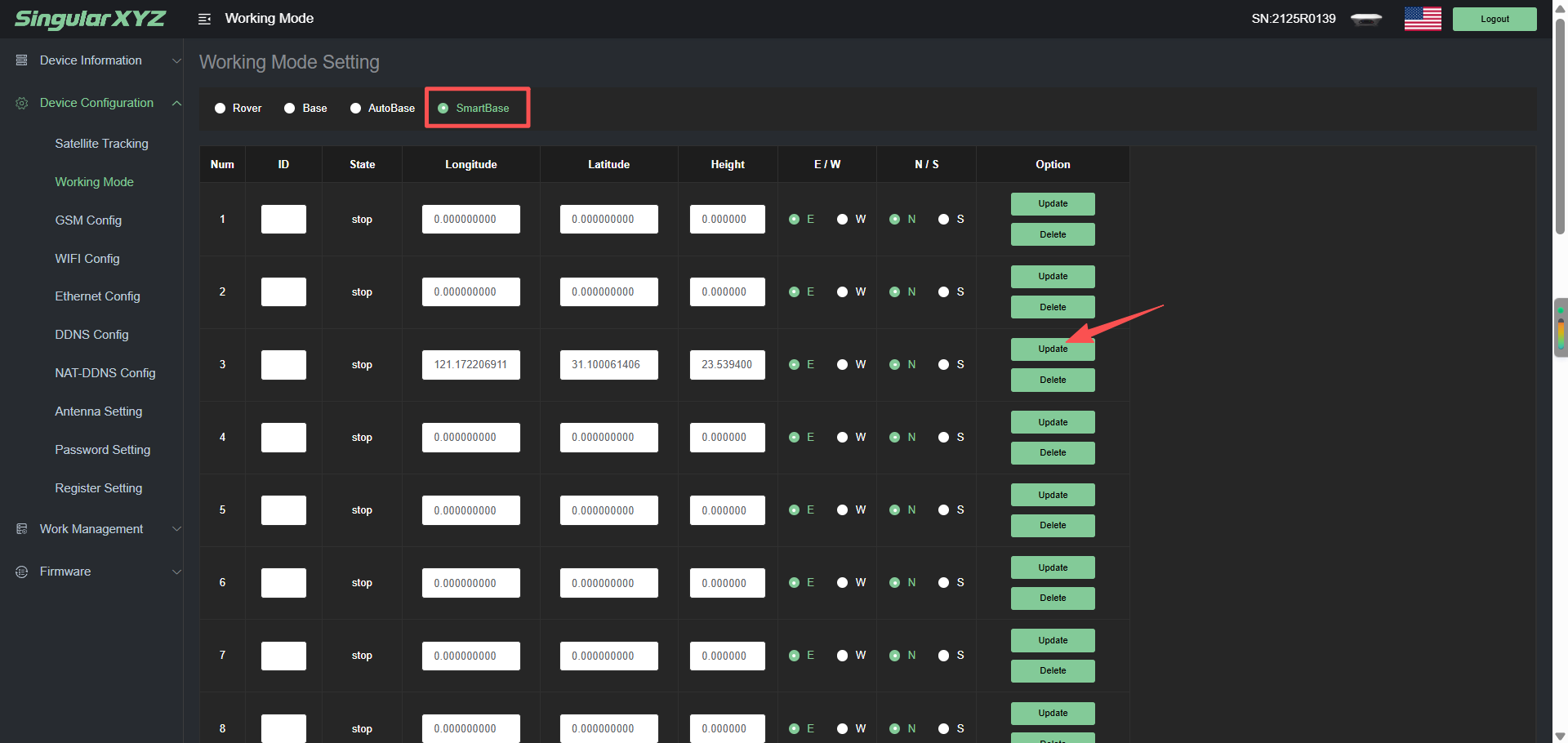
After configuring the radio, go to Device Configuration >> Working Mode, select SmartBase. Next, click update, and after a successful update is displayed, refresh the interface.
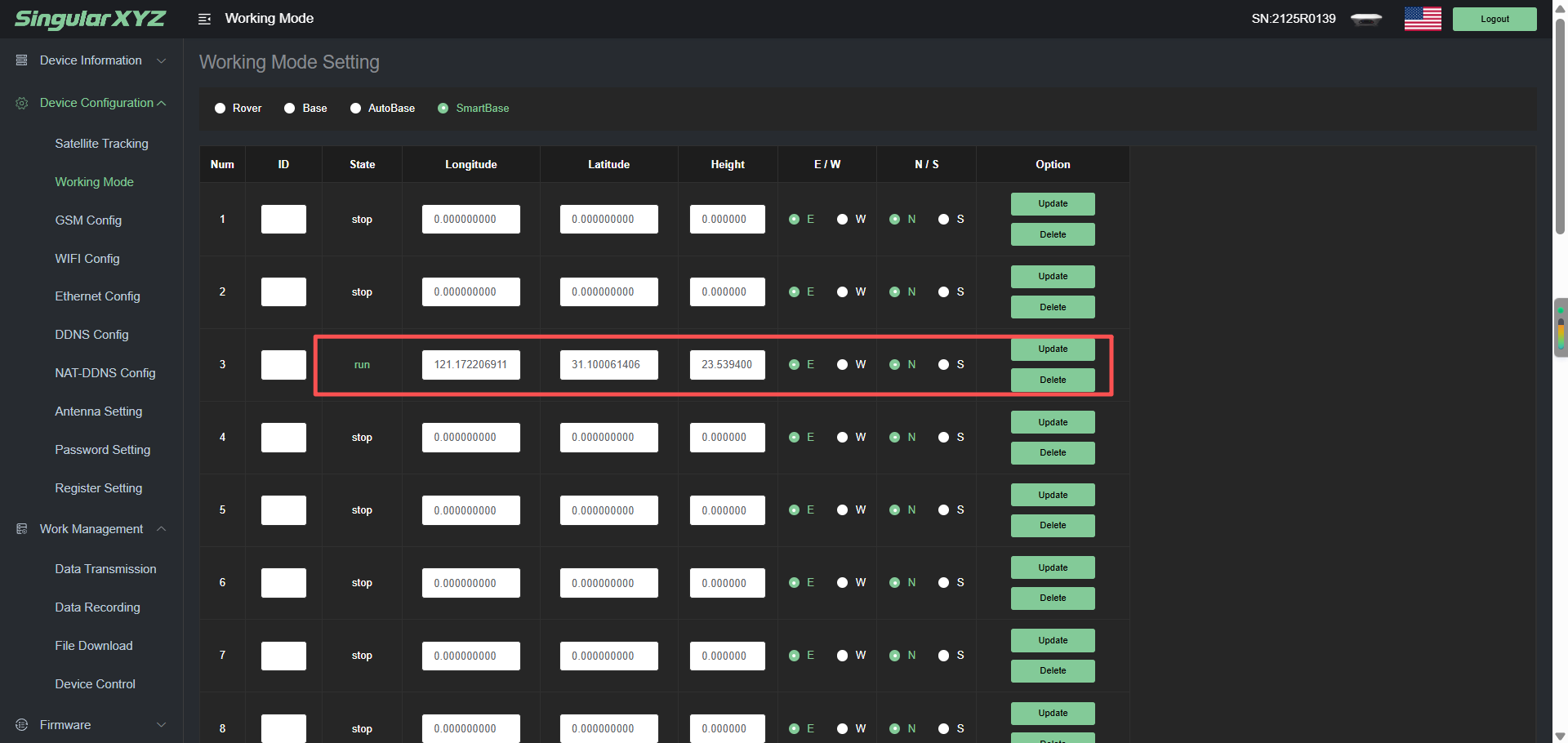
Finally, the receiver's coordinates will be updated and displayed, and the "run" status will be shown in front of the coordinates. At this point, the receiver's smartbase configuration is successful and it can be used normally.
One of the main advantages of SmartBase is that it eliminates the need to manually redefine base coordinates whenever the base station is moved.
If the receiver is deployed at a new location, simply power it on and start SmartBase mode again. The receiver will automatically determine its current position, update the stored base coordinates, and begin broadcasting corrections.
This greatly simplifies temporary deployments and projects that require frequent base station relocation.
The SmartBase function streamlines RTK base station deployment by automatically determining and updating base coordinates. Instead of manually reconfiguring the receiver each time the base station is moved, users can quickly restart operations with minimal setup.
For projects that require frequent relocation of the base station, SmartBase provides a convenient and efficient solution that helps maximize productivity in the field.