




































 Home
Home
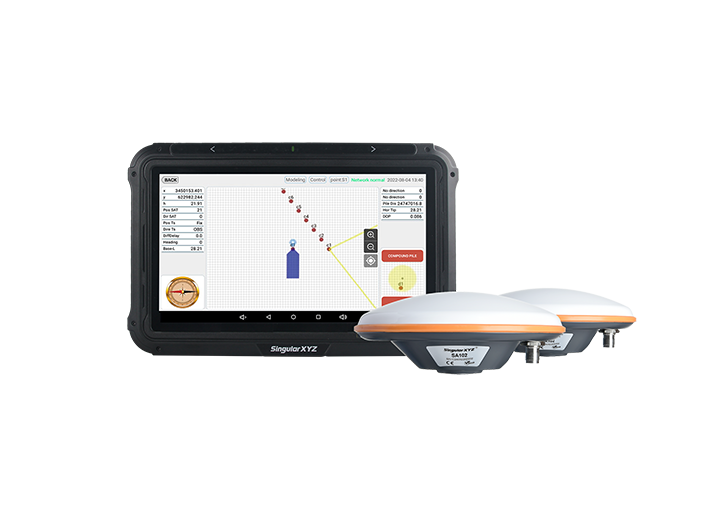
SingularPad Field Surveying Software
learn more







 2026-10-06
 Satoshi


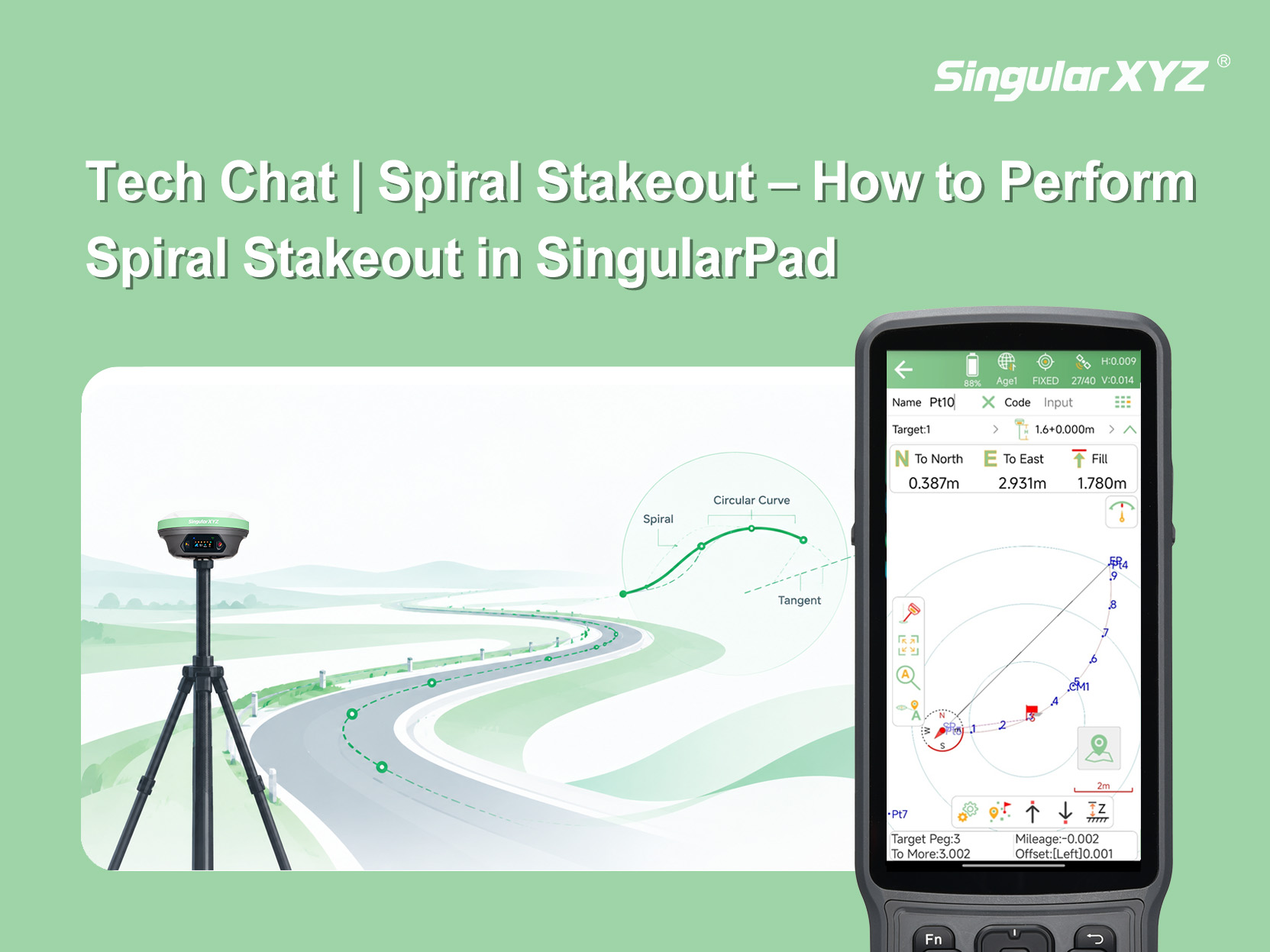
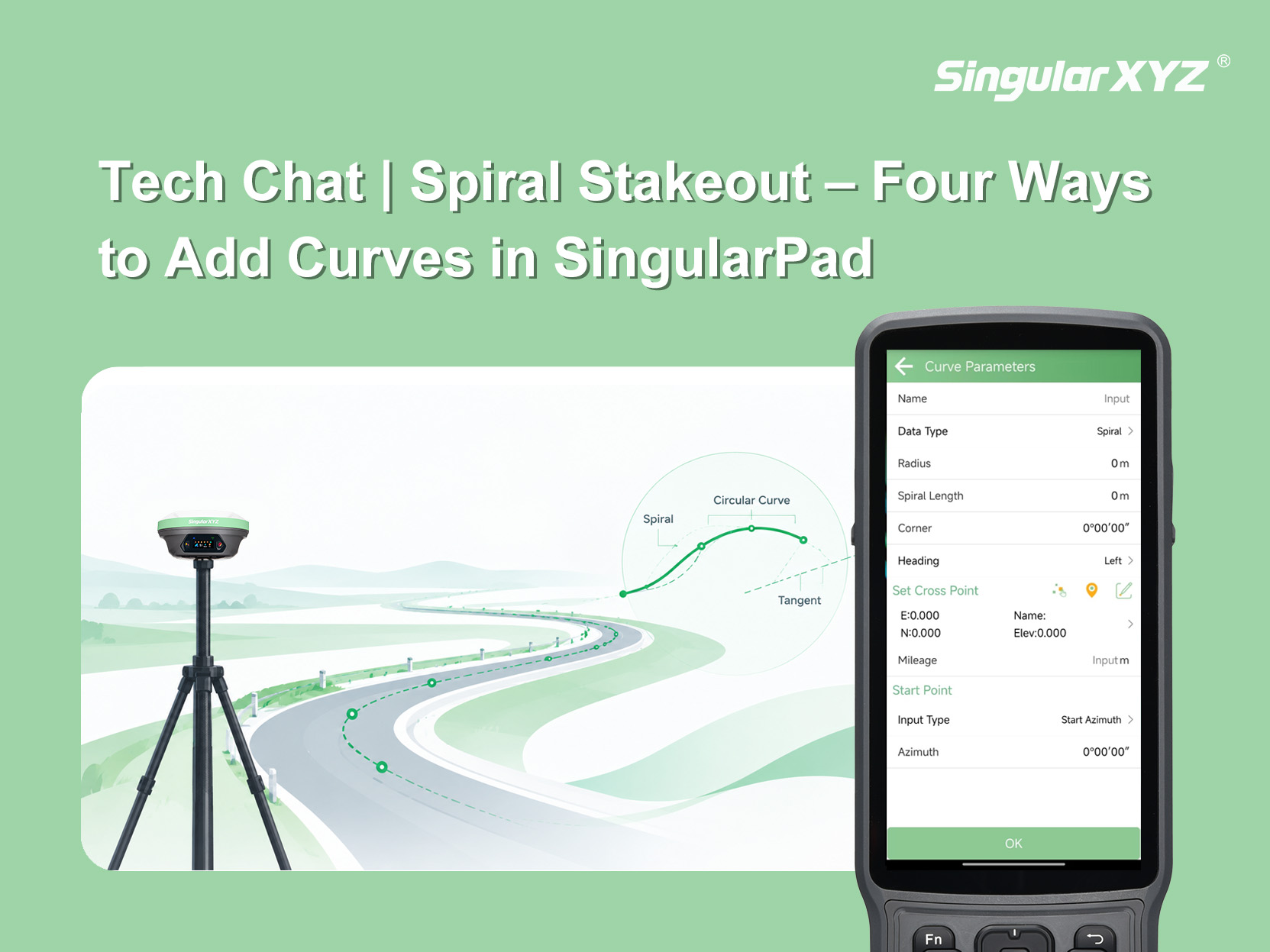
In the previous blog post, we introduced four ways to add curves for spiral stakeout. Once the curve has been added, the next step is to set the stakeout parameters and stake out the designed points in the field. This article walks you through the spiral stakeout workflow in SingularPad.
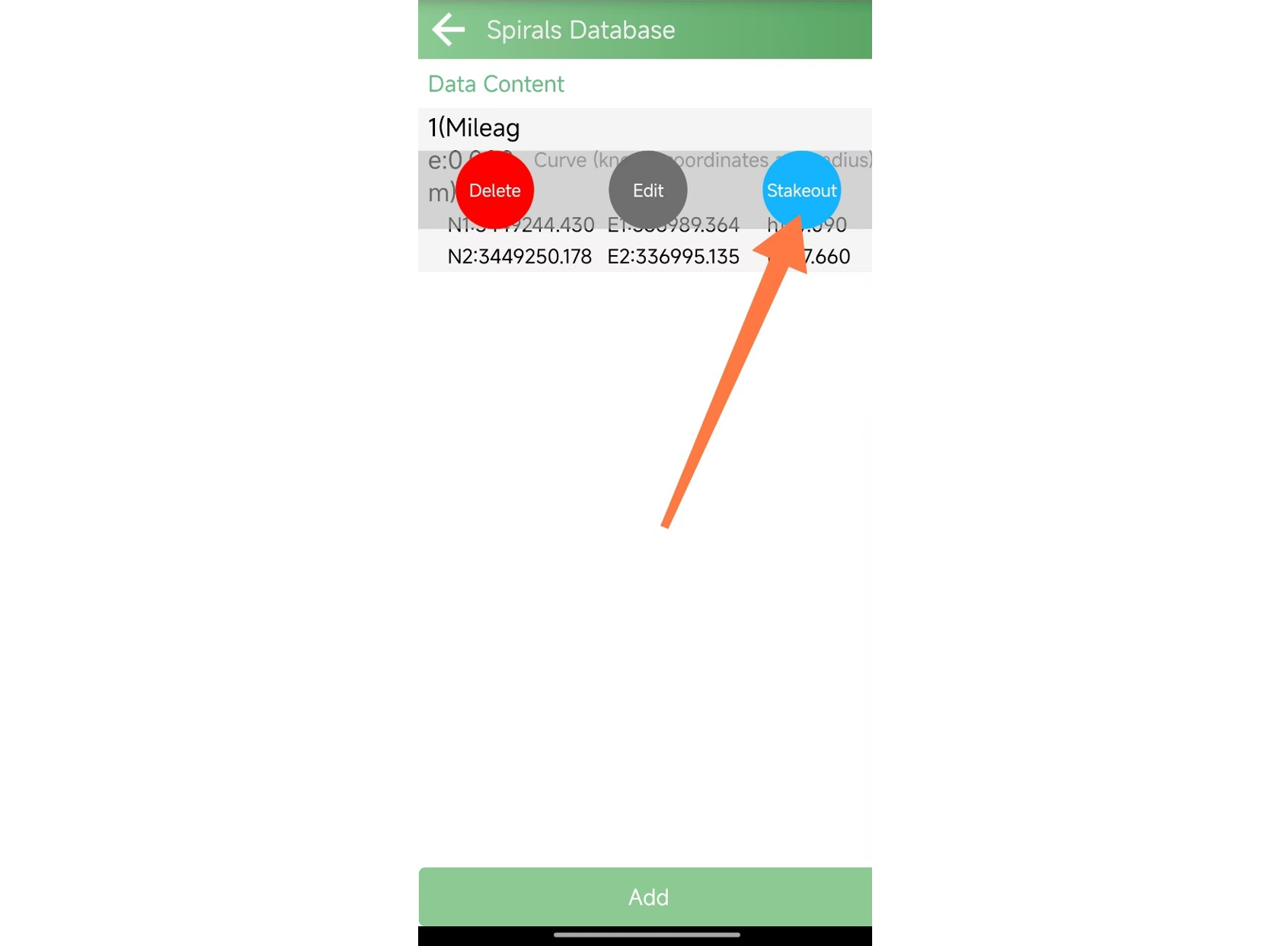
After adding a curve, it will appear in the Spiral Stakeout interface. Select the curve and tap Stakeout.
After tapping Stakeout, the Stakeout Settings interface will appear. Here, you can configure parameters such as the stakeout range, interval, and offset according to your project requirements.
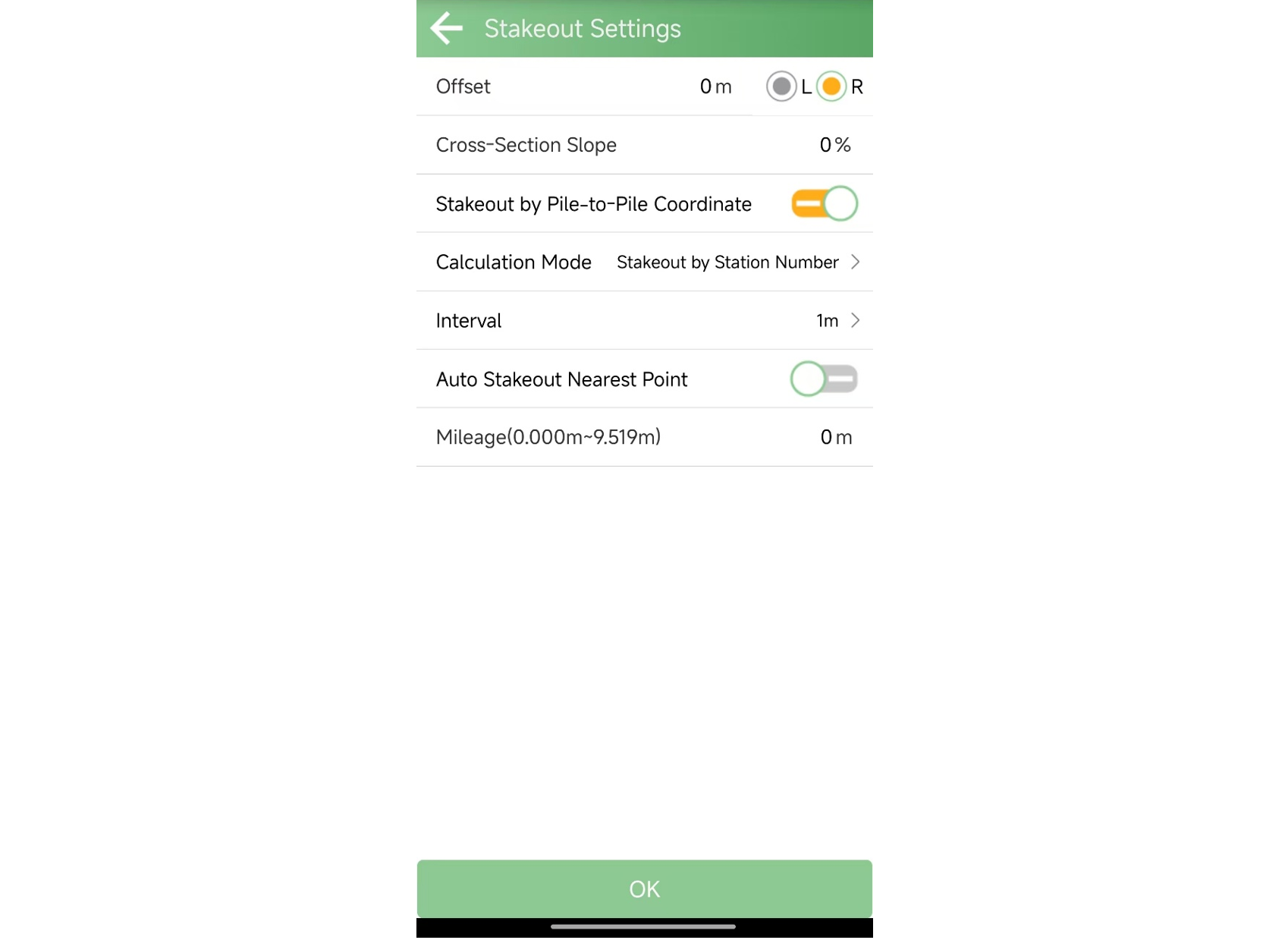
Offset: The lateral offset from the designed curve. When enabled, the software calculates a curve parallel to the original curve based on the entered offset. Enter 0 to stake out the original curve without an offset.
Cross-section-cross: If the cross-section of the curve is not horizontal, enter the corresponding slope value.
Stakeout by Pile to Pile Coordinate: Determines whether the software calculates stakeout points based on the station number or mileage of the route.
Interval: The distance between adjacent stakeout points.
Auto Stakeout Nearest Point: Automatically selects the nearest stakeout point when the receiver is close to it, eliminating the need to manually select a point.
Mileage: Defines the starting position of the stakeout range along the curve. Enter 0 to start from the beginning of the curve. For example, entering 5 starts the stakeout 5 meters from the beginning of the curve.
After configuring the parameters, tap OK to enter the stakeout interface and begin the stakeout operation.
In the stakeout interface, you can configure and use the following functions:
Edit the point name, code, target curve, and pole height.
Tap the compass icon to open the compass display.
Select the previous point to stake out the preceding point.
Select the next point to stake out the next point.
Adjust the elevation of the stakeout point as needed.
Follow the navigation information in the interface to locate each designed point and complete the stakeout.
This completes the basic workflow for spiral stakeout in SingularPad, from selecting a curve and configuring stakeout parameters to locating and staking out the designed points.
By choosing the appropriate curve definition method and setting the stakeout parameters according to the project requirements, surveyors can efficiently carry out spiral curve stakeout in the field.