











































































 Home
Home

Horus Visual & Laser
GNSS Receiver
GNSS Receiver
learn more






 2026-06-09
 Gus
Gus


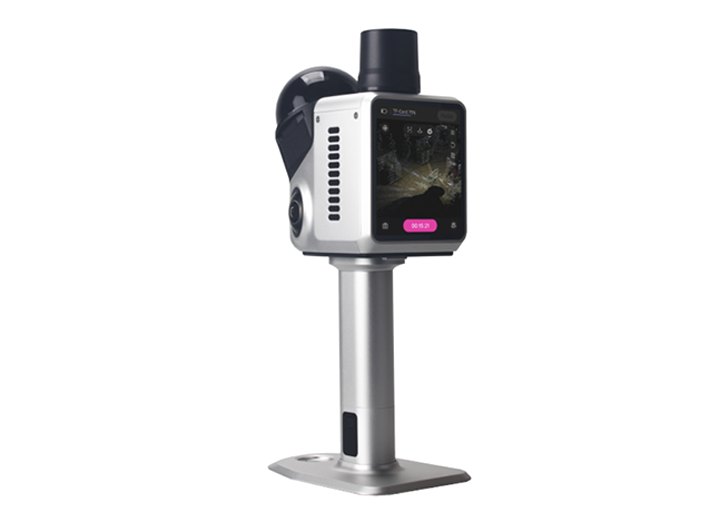
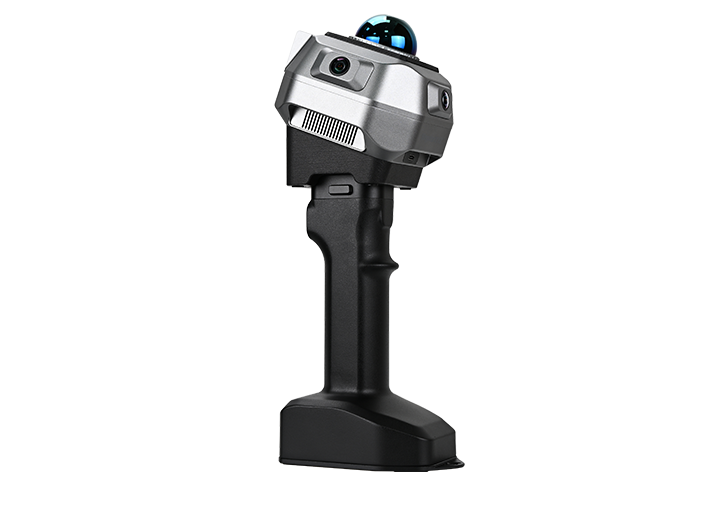
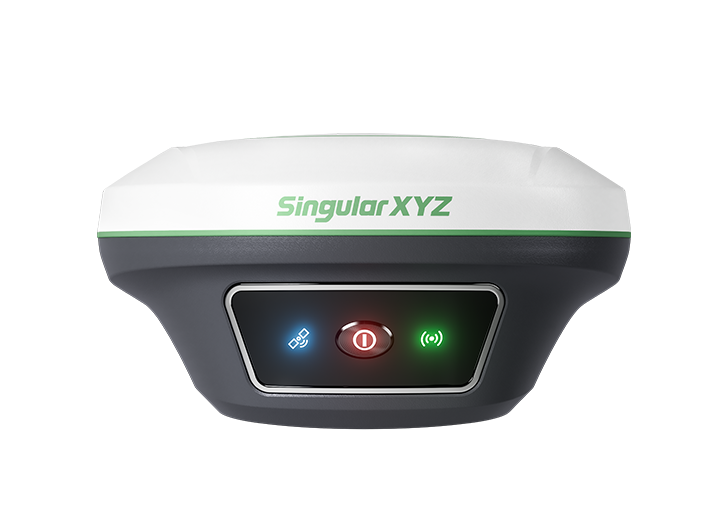
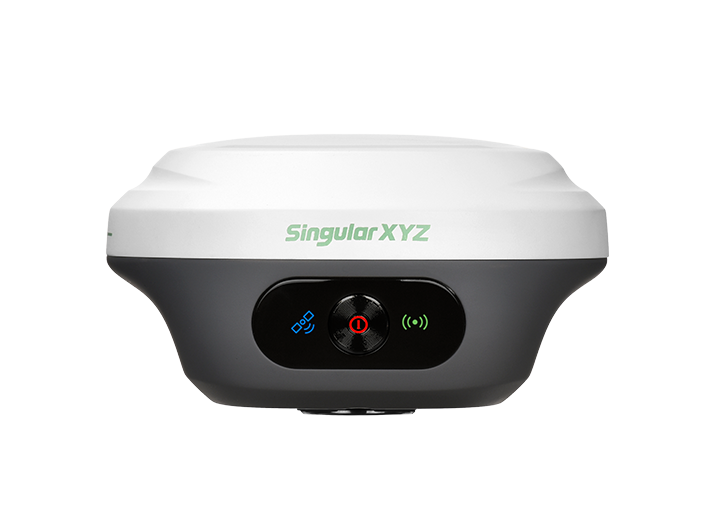
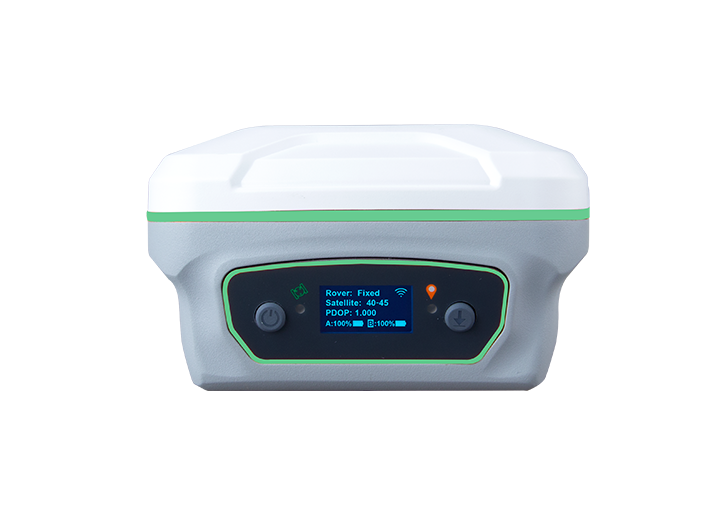
Laser surveying is one of the most powerful features of the Horus RTK Receiver. By combining a laser module, visual camera, and IMU technology, Horus allows surveyors to measure points remotely without physically occupying the target location.
Compared with conventional laser RTK, Horus offers a unique advantage: visual-assisted targeting. Even when the laser point is difficult or impossible to see with the naked eye, the built-in camera can help users accurately identify and measure the target point.
This blog introduces the standard workflow for Horus laser surveying and shares several practical tips to help you achieve more stable and accurate results in the field.
Before starting laser surveying, configure Horus as a rover and ensure that the receiver has obtained a Fixed RTK solution.
Then enter Survey → Point Survey, and complete the IMU initialization process.

A stable RTK Fixed solution and properly initialized IMU are essential for accurate laser measurements, as the final coordinates are calculated using both GNSS positioning and IMU orientation information.
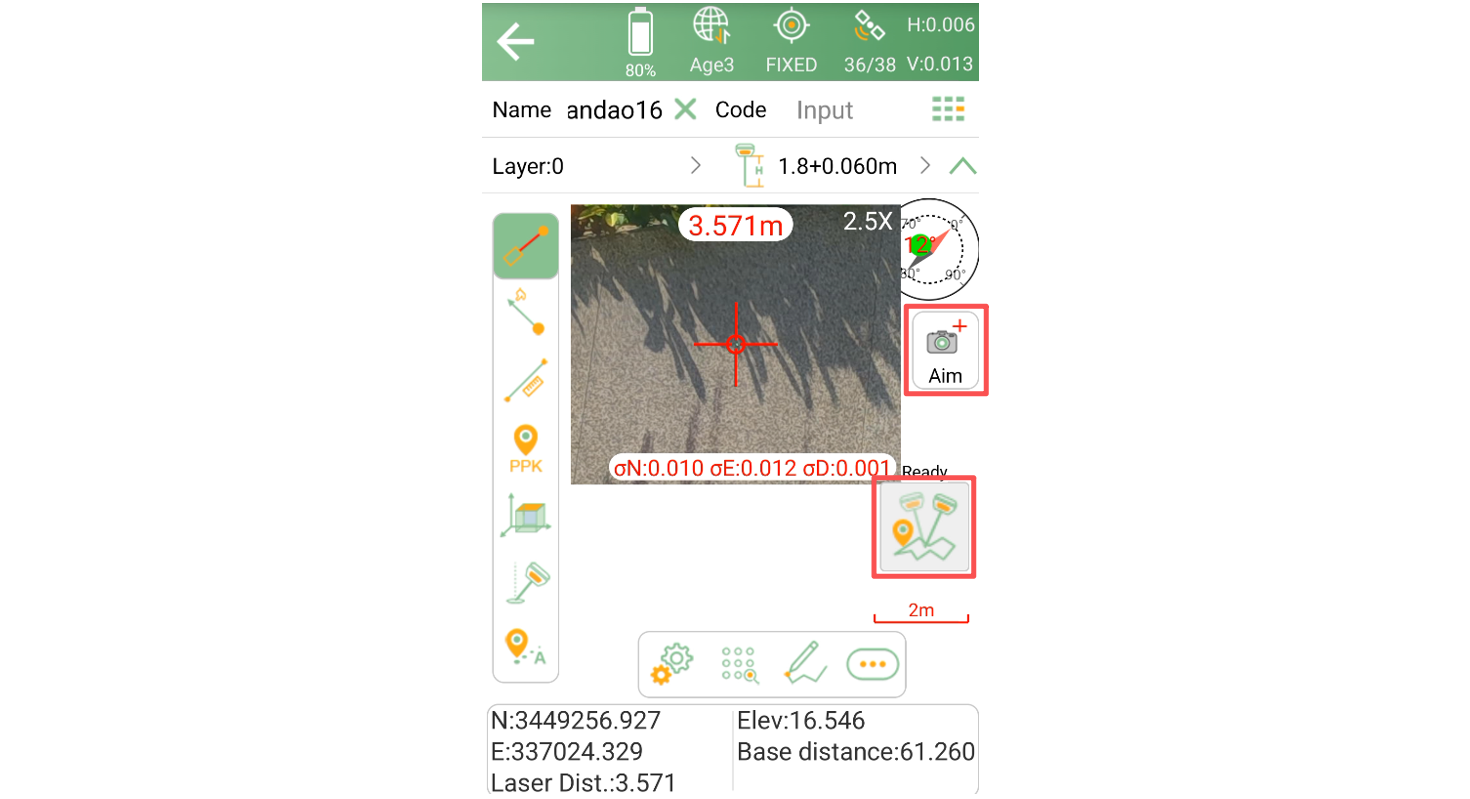
Tap the Aim icon to enable both laser surveying and the visual-assisted targeting. The live view from the front camera will be displayed on the screen. When the laser is pointed at a target, a crosshair will appear on the image, with the laser point located at the center of the crosshair.
You can zoom in on the image for more precise targeting. Once the target point is aligned, tap Survey button to complete the measurement.
Note: If you are using CORS mode and access network via the controller's WiFi, make sure a SIM card is inserted into the data collector. Otherwise, the network correction connection may be interrupted after connecting to Horus's Wi-Fi for visual data transmission, causing the receiver to lose its Fixed solution.
Laser surveying coordinates are calculated by combining the GNSS position of the receiver, the laser-measured distance, and the orientation angles provided by the IMU. Using these parameters, the system computes the coordinates of the target point through geometric calculations. As the laser measurement distance increases, small angular errors from the IMU can have a greater impact on the final coordinate accuracy, making IMU performance an important factor in long-range laser surveying.
If the receiver remains stationary for an extended period, IMU accuracy may gradually degrade. Although the device continues to function normally, orientation accuracy can decrease slightly, which may affect laser measurement precision.
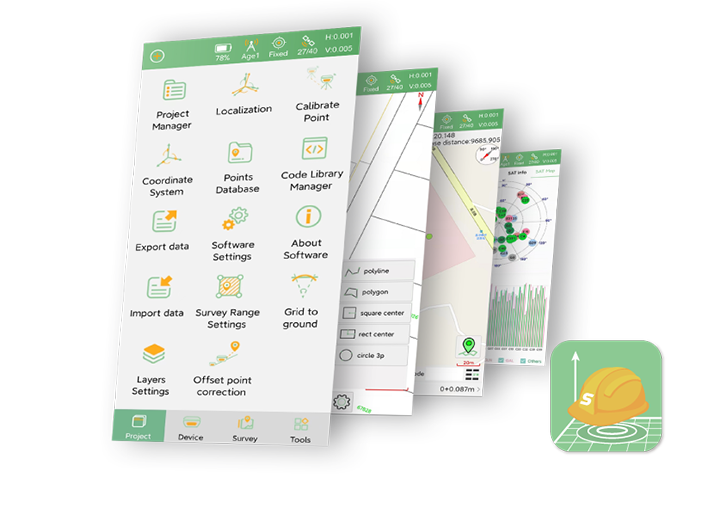
To help users monitor IMU performance, SingularPad displays a Yaw value when visual-assisted surveying is enabled.
The Yaw value provides a useful indication of the current IMU status:
0.200–0.300: Recommended range for laser surveying
Above 0.300: Accuracy may begin to decrease
Lower values generally indicate better IMU performance
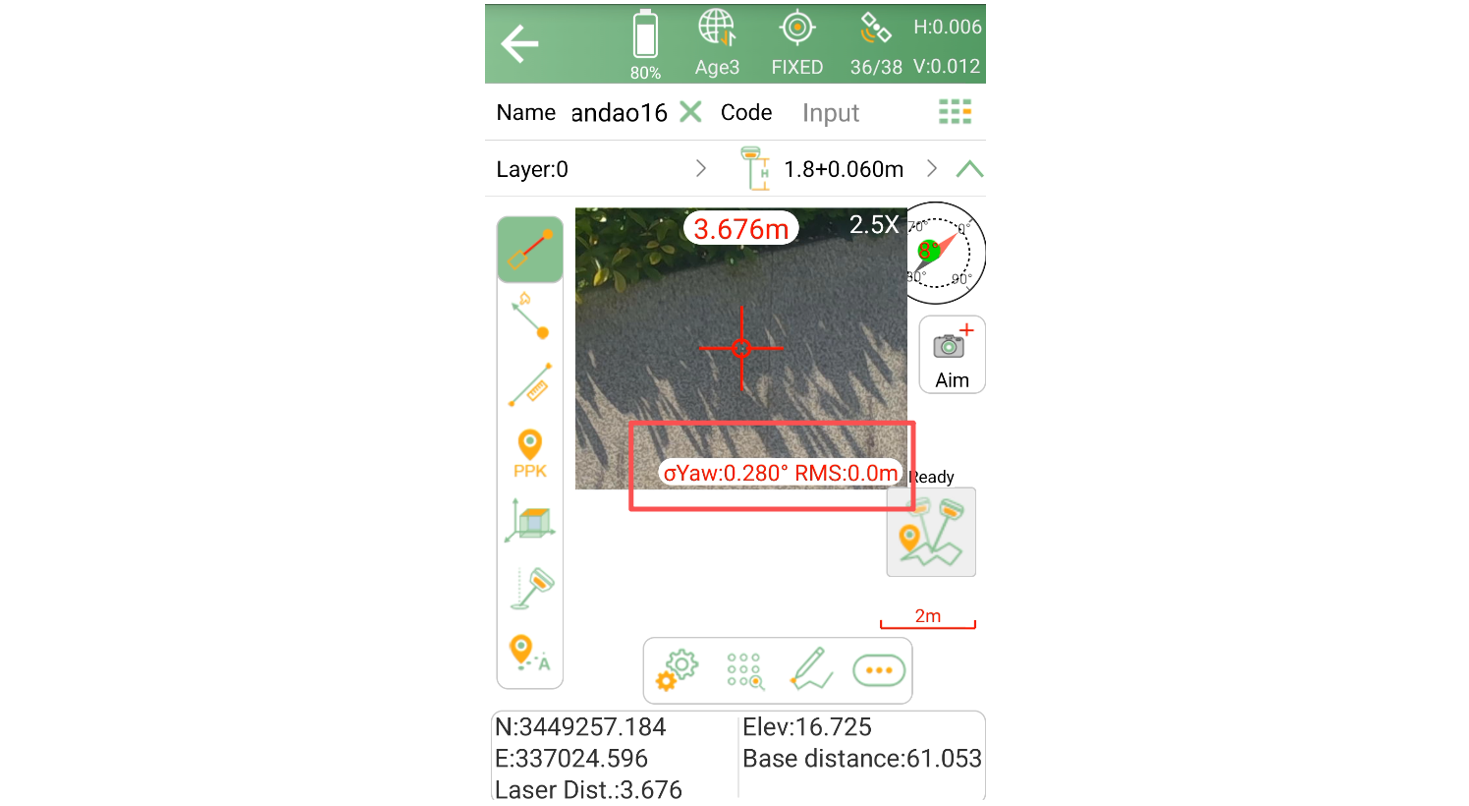
Before performing critical measurements, it is recommended to check the Yaw value and ensure it remains within the recommended range.
If the Yaw value becomes too large, IMU performance can usually be restored quickly.
Simply pick up the receiver and:
Walk in a small circle, or
Gently move and rotate the receiver
After a short period of movement, the IMU will update its orientation model and the Yaw value will typically decrease.
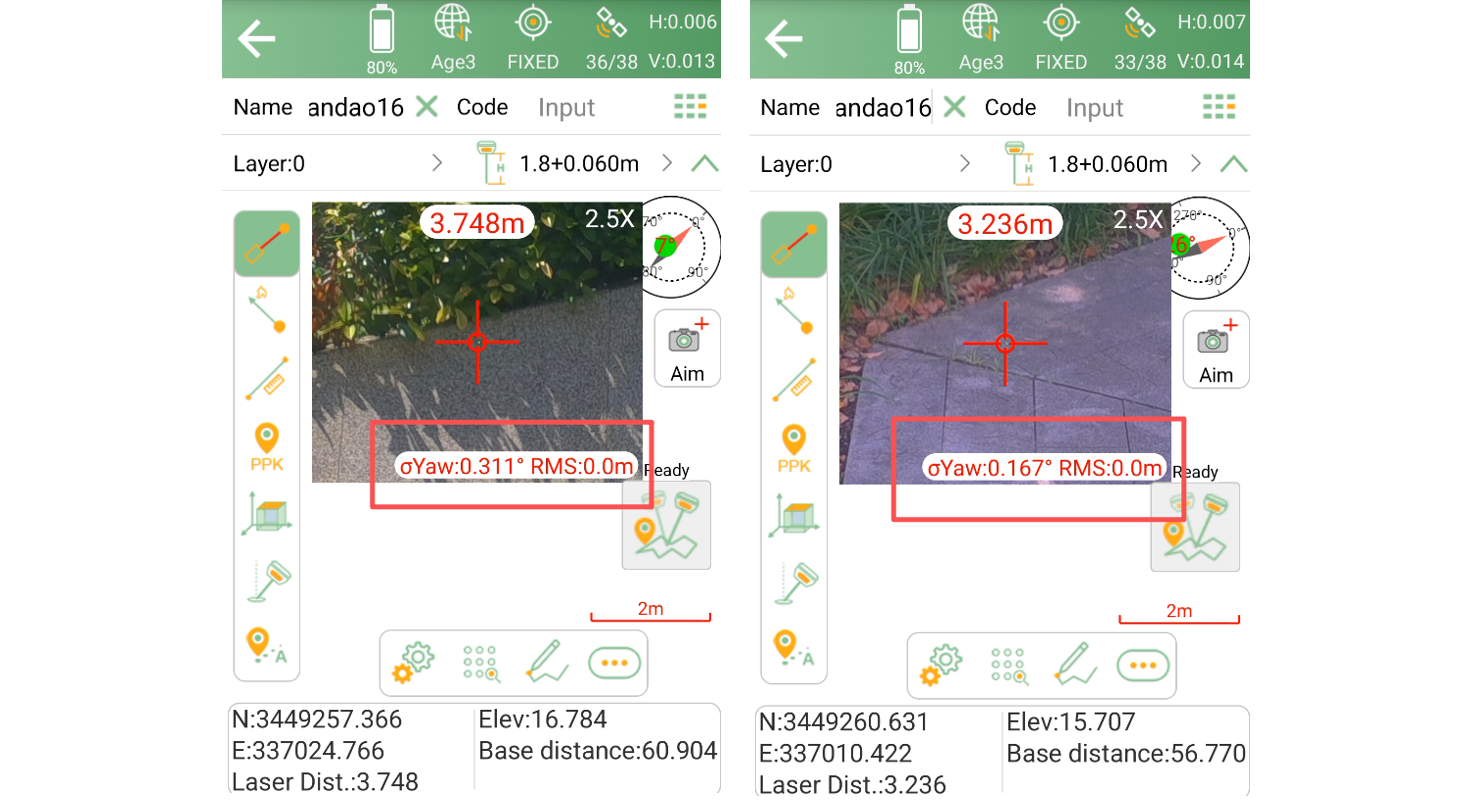
Once the Yaw value returns to an acceptable range, laser measurements can be performed with improved confidence.
When measuring distant targets, even slight hand movement can cause the laser to drift away from the desired point.
Although the camera helps users identify the target location, maintaining stable aiming remains important for achieving the best results.
For improved stability, we recommend using:
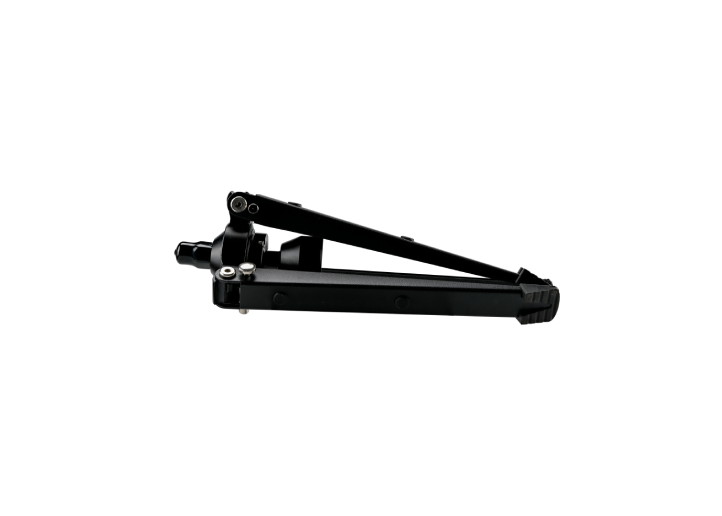
A bipod
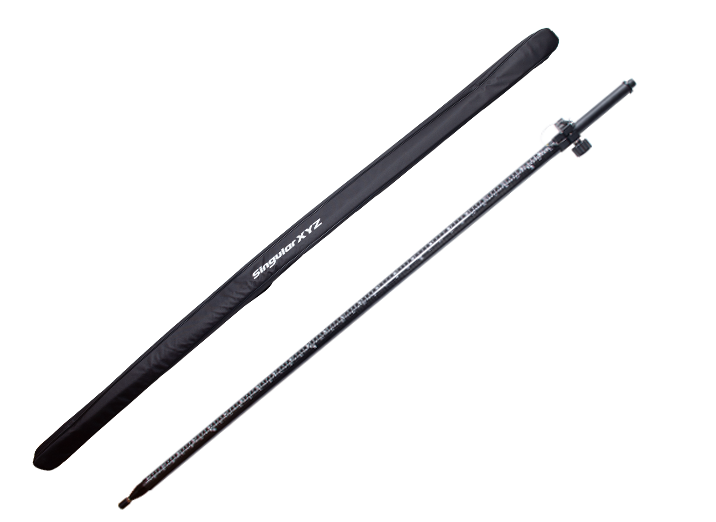
Other suitable pole-support accessories
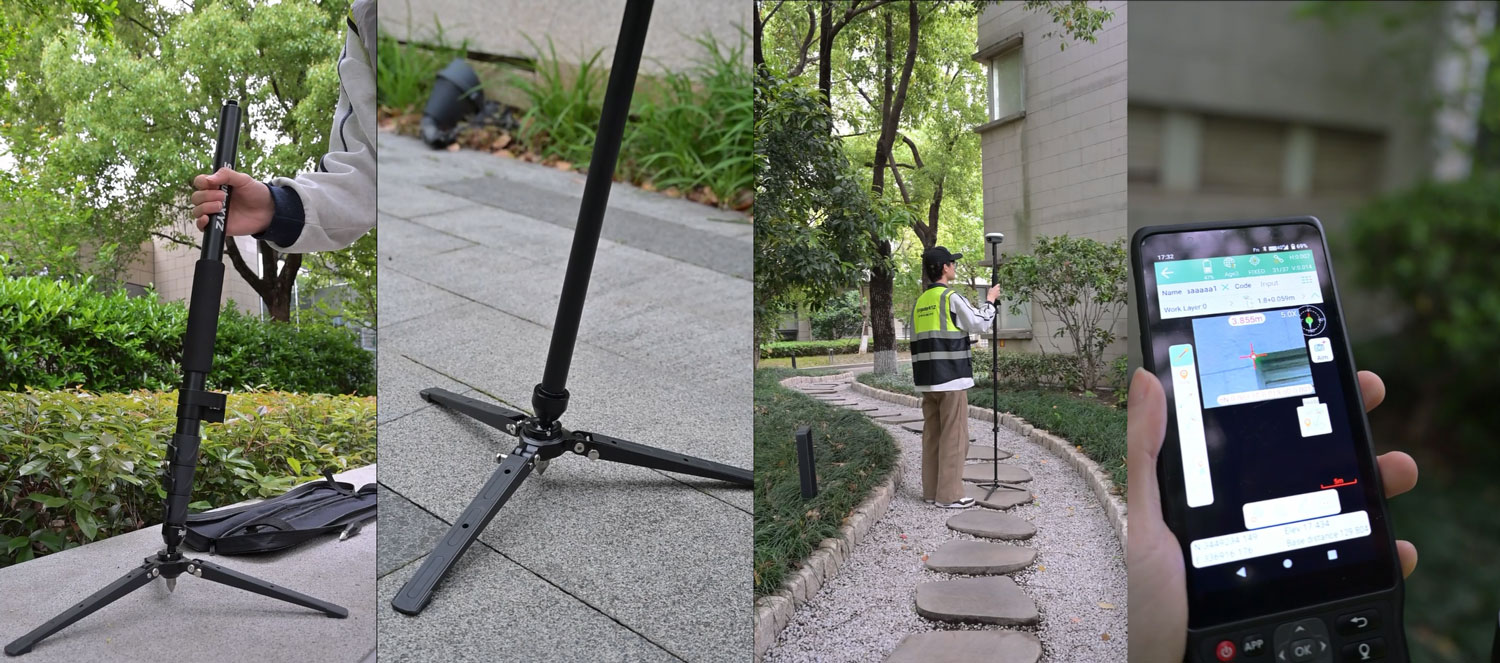
These accessories help reduce hand movement during aiming, making it easier to keep the laser aligned with the target and improving overall measurement consistency.
By combining GNSS positioning, IMU technology, laser measurement, and visual-assisted targeting, Horus provides an efficient solution for measuring inaccessible or difficult-to-reach points.
To achieve the best results, always ensure that the receiver has a Fixed RTK solution, monitor the IMU Yaw value, and maintain good stability while aiming. Following these simple practices can significantly improve both the accuracy and efficiency of laser surveying in real-world field applications.