


















































 Home
Home

Horus Visual & Laser
GNSS Receiver
GNSS Receiver
learn more






 2026-08-25
 Kyrie
Kyrie


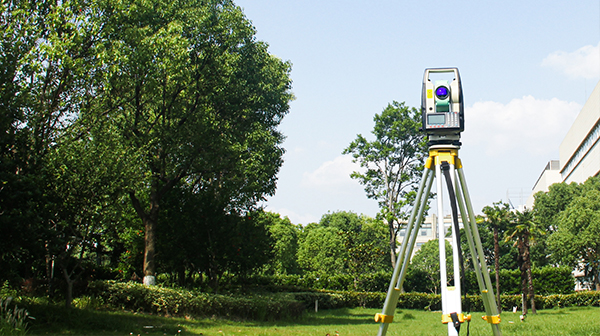
During surveying operations, users may need to mark multiple points along a straight line, such as road boundaries, construction lines, or other linear features. Measuring each point individually can be time-consuming, especially when the points need to be evenly distributed.
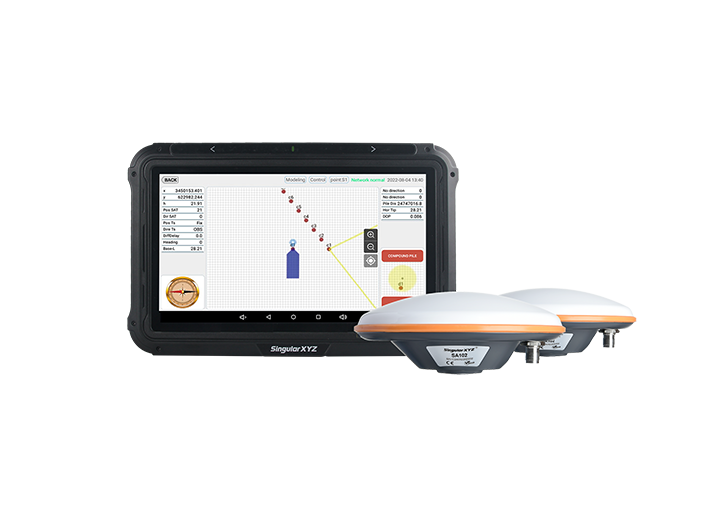
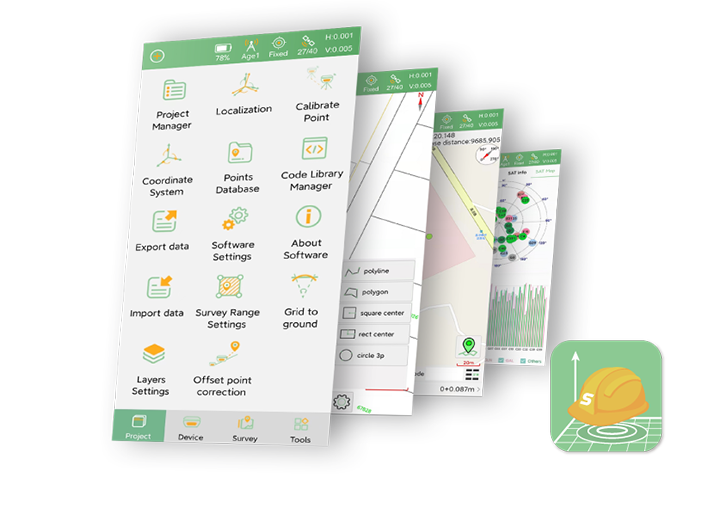
SingularPad provides an Equal Parts function that allows users to quickly divide a measured line segment into multiple equally spaced points. The generated points are automatically calculated and added to the point database, improving field efficiency and reducing manual calculations.
This article will demonstrate how to use this function in SingularPad.
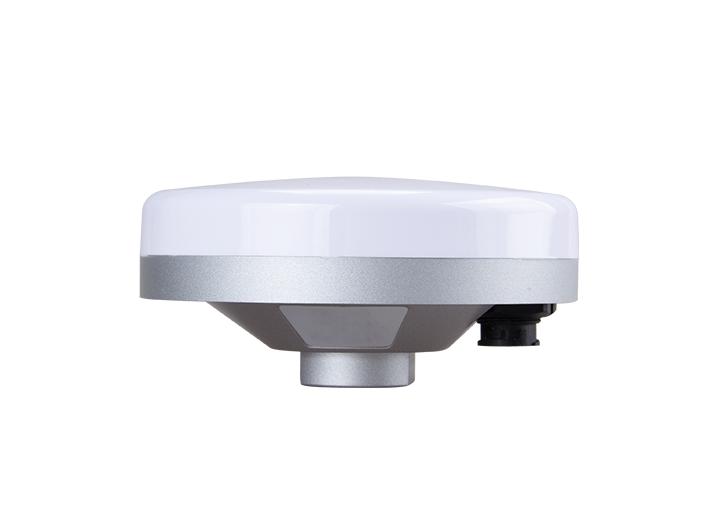
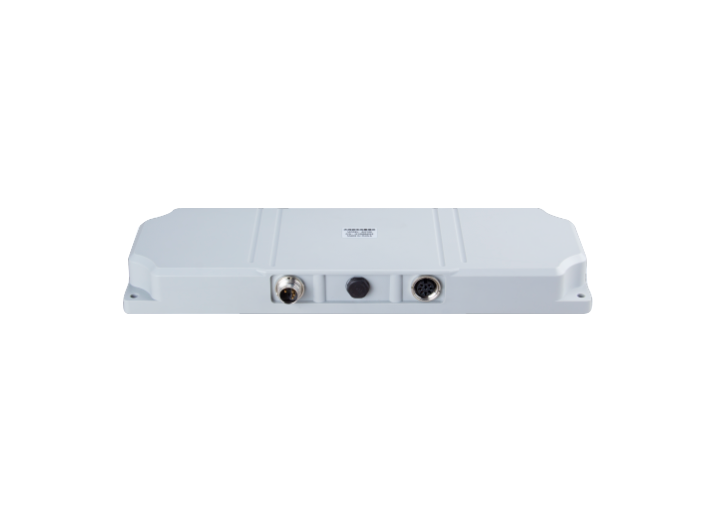
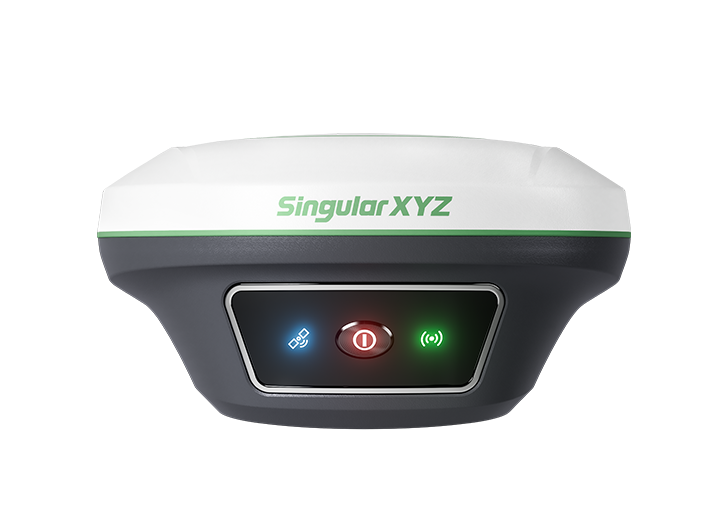
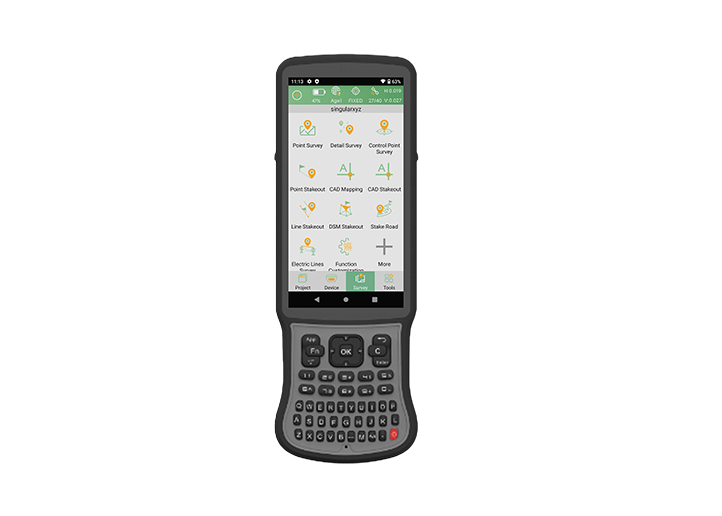
First, connect SingularPad to the GNSS receiver and open the Point Survey interface.
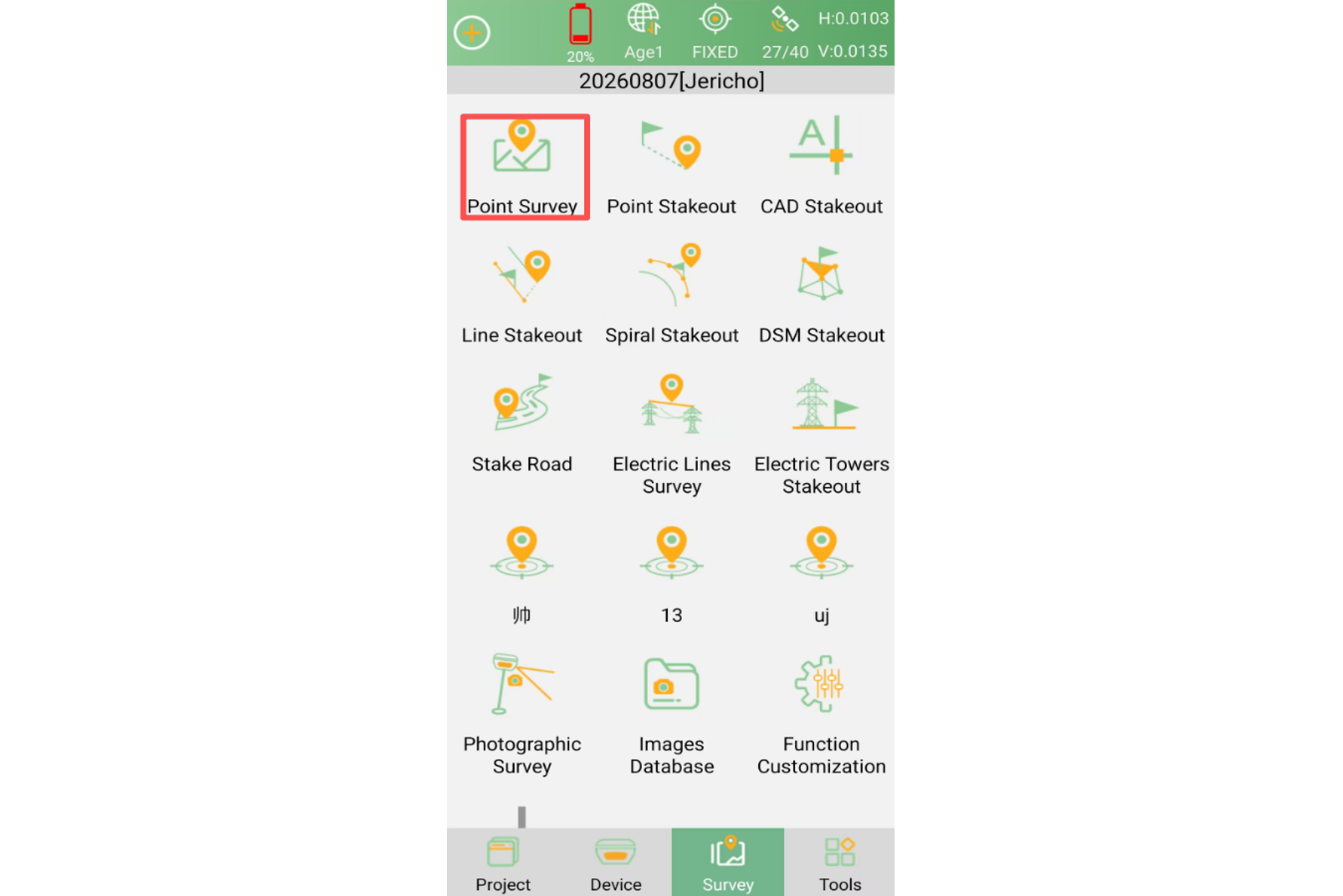
Measure the two endpoints of the line segment, or collect the required points that define the line to be divided. After measurement, the collected points will be available in the point database.
In the Point Survey interface, tap Drawing and use the line tool to connect the measured points.
Select the required points in sequence to create the line segment that needs to be divided.
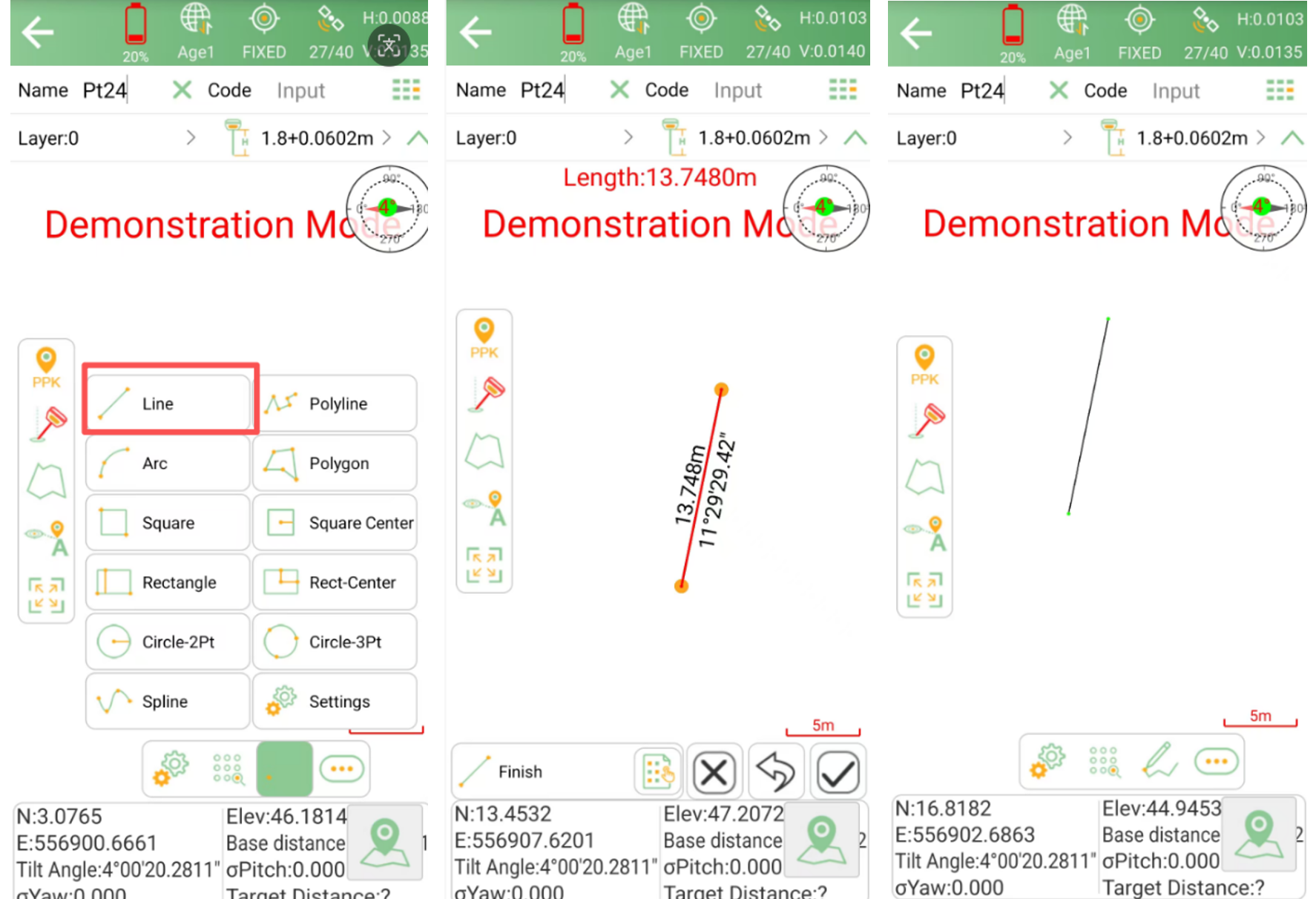
Tap the tool icon next to the drawing tools and select Equal Parts or Measure.
These two functions provide different ways to divide a line:
Equal Parts: Divide the selected line into a specified number of equal sections.
Measure: Divide the selected line according to a specified distance interval.
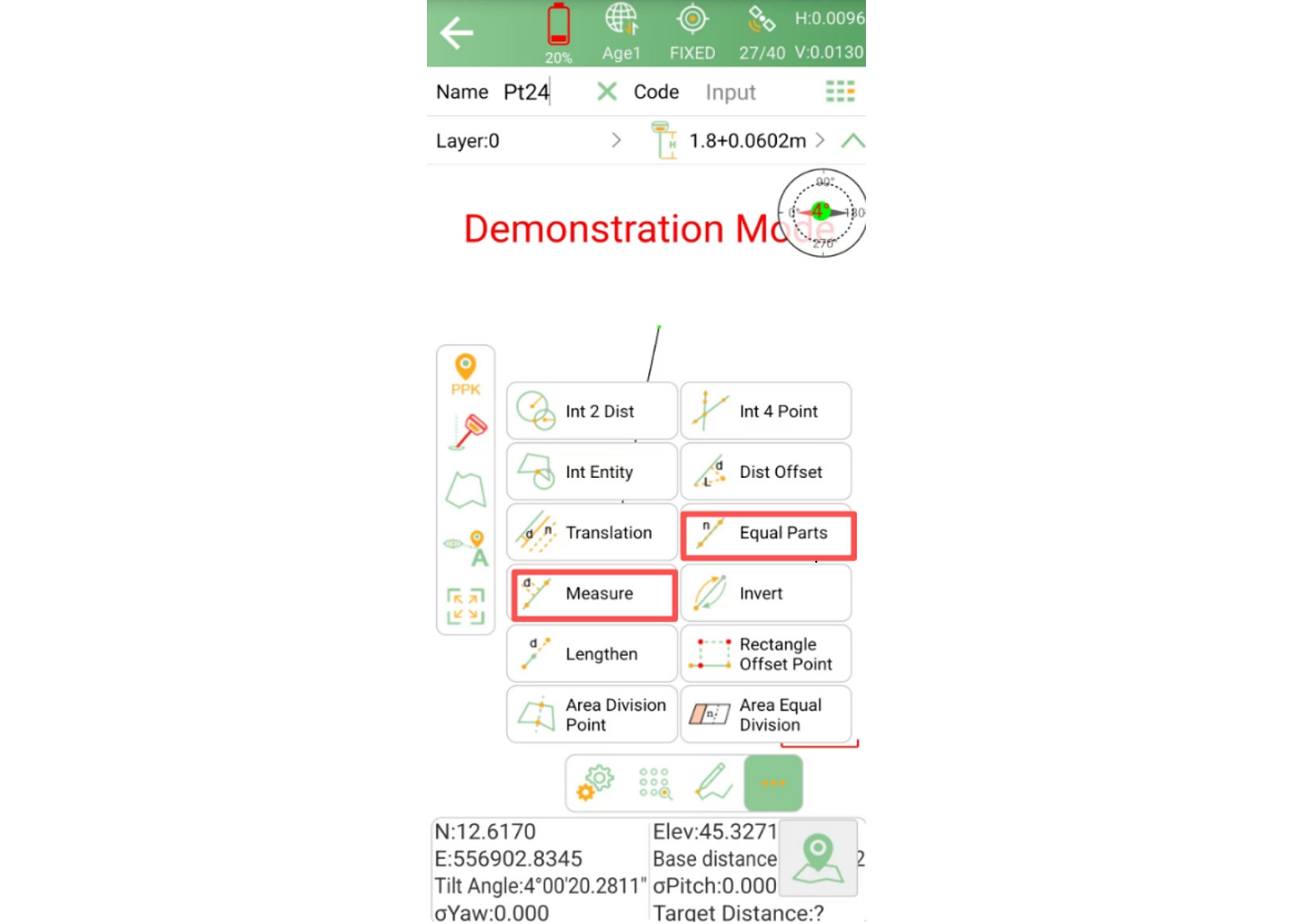
Select the line segment you created in the previous step.
After successful selection, SingularPad will prompt you to enter the number of segments or the spacing distance, depending on the selected function.
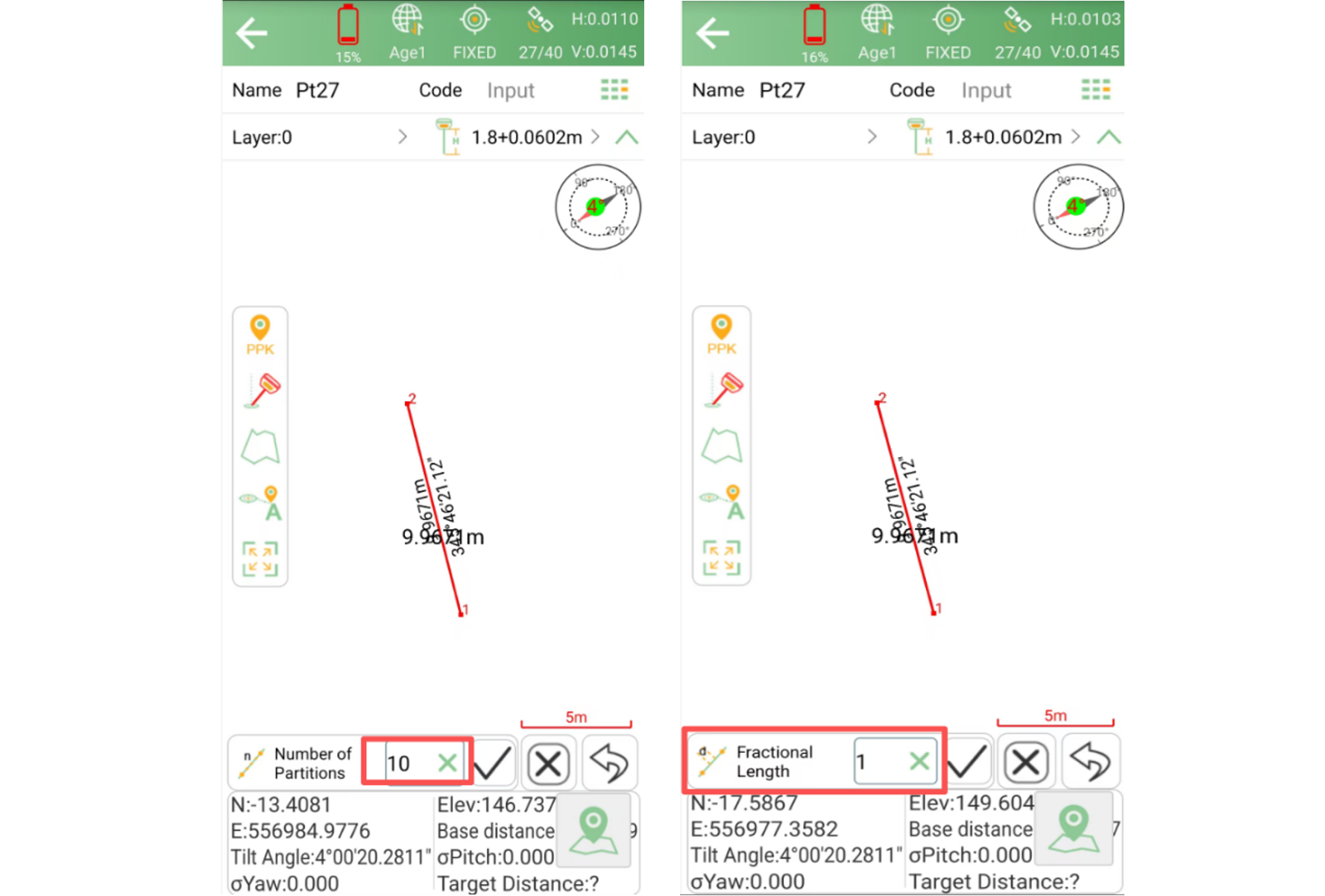
After confirming the settings, SingularPad will automatically calculate the coordinates of each division point along the line segment.
The generated points can be viewed and managed in the Point Database.
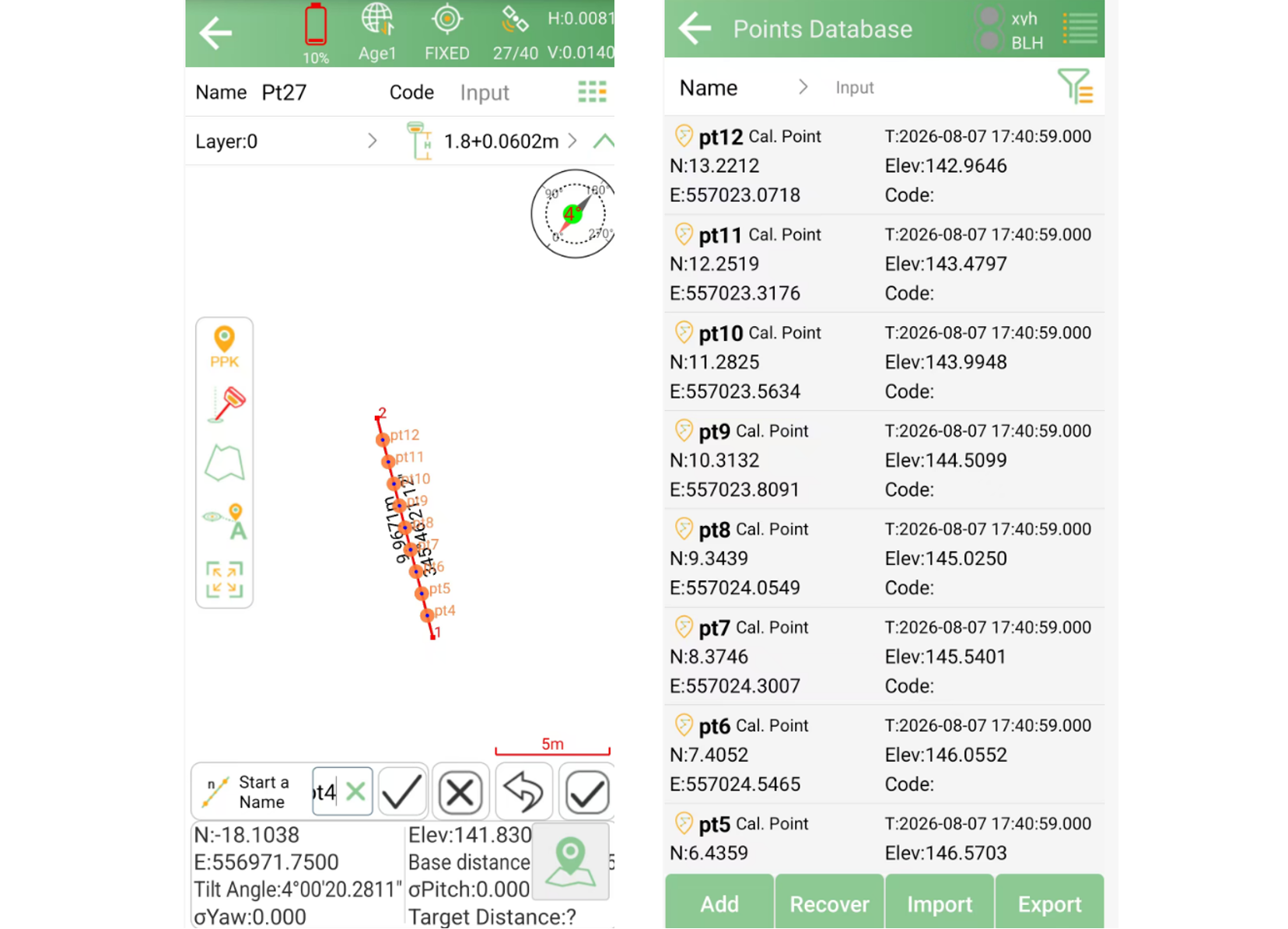
The line division function in SingularPad provides a fast and convenient way to generate evenly distributed points along a straight line. It is useful for applications such as road surveying, boundary measurement, construction layout, and other projects requiring regular point spacing.
In addition to line division, SingularPad also provides various drawing and measurement tools in the Point Survey interface, allowing users to efficiently complete different surveying tasks in the field.