





































































 Home
Home
Xbase
GNSS Receiver
GNSS Receiver
learn more






 2026-09-23
 Gus
Gus


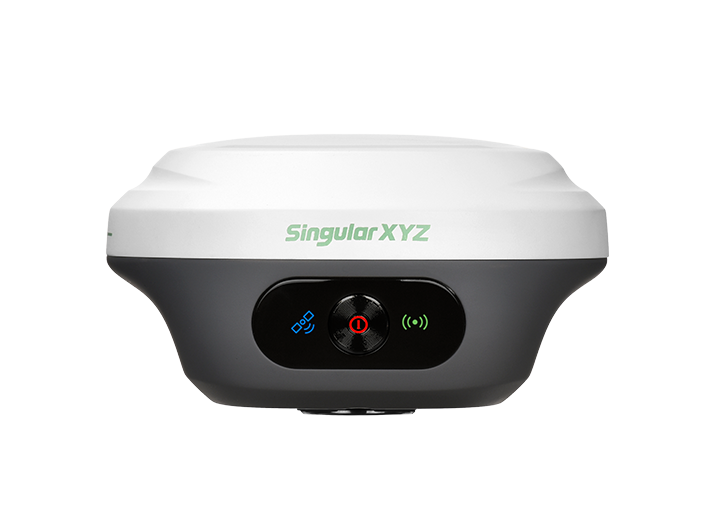
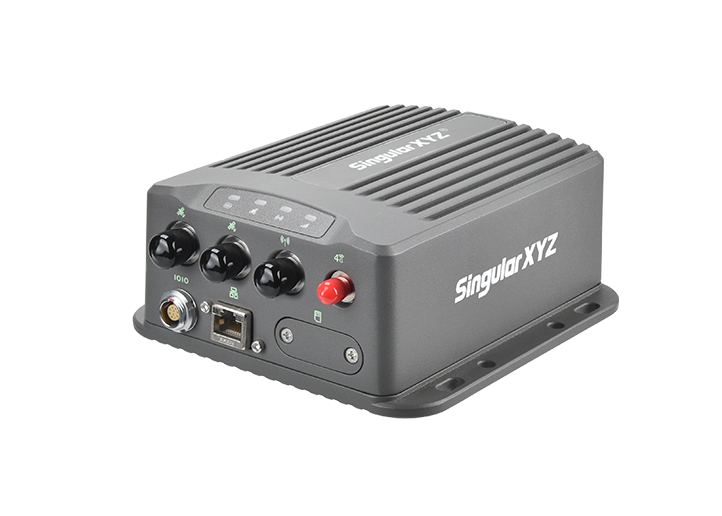
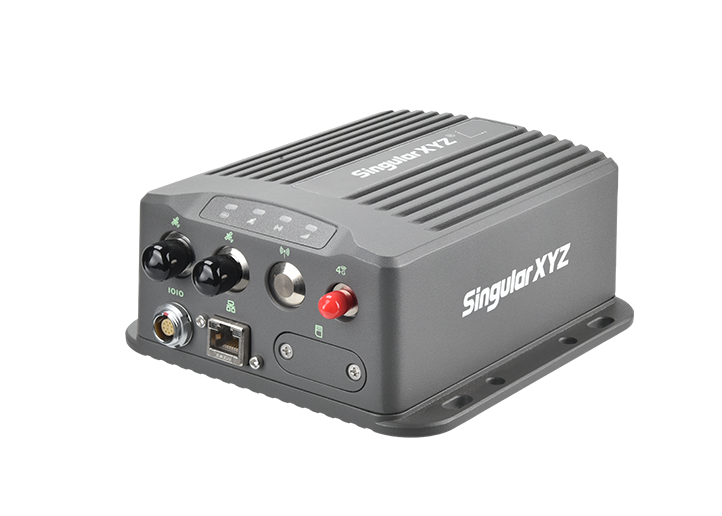
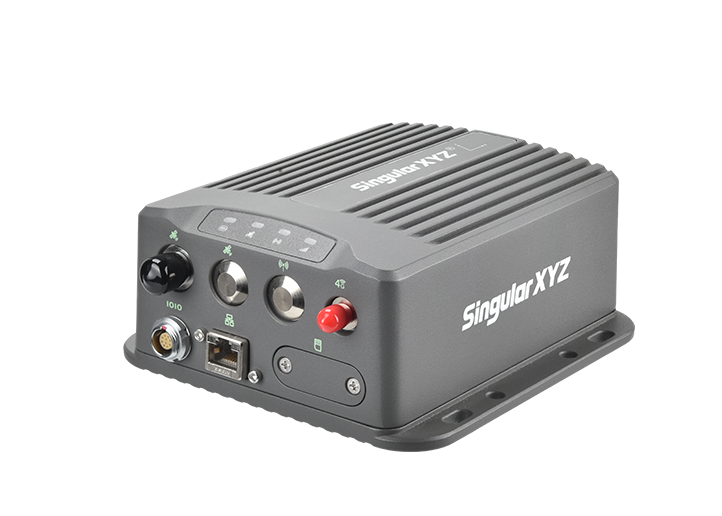
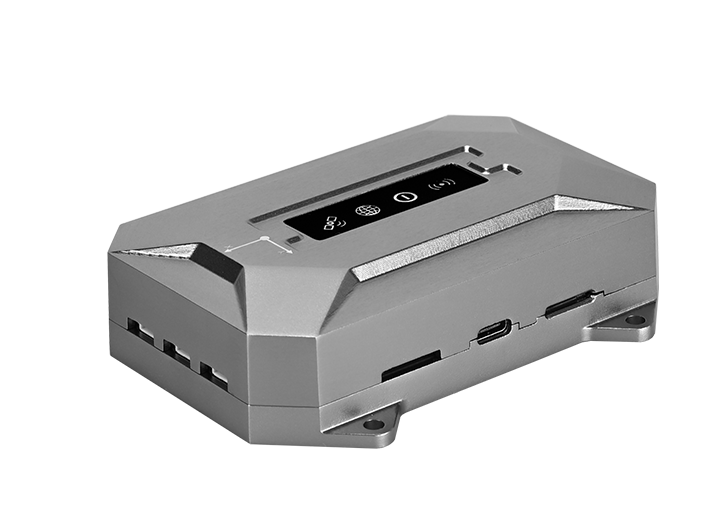
XBASE supports Caster functionality for forwarding GNSS correction data over the network. By configuring the Caster and connecting a rover to the XBASE Wi-Fi network, correction data from the base station can be transmitted to the rover through the network. This article walks you through the complete setup process.
Step 1: Insert the SIM card
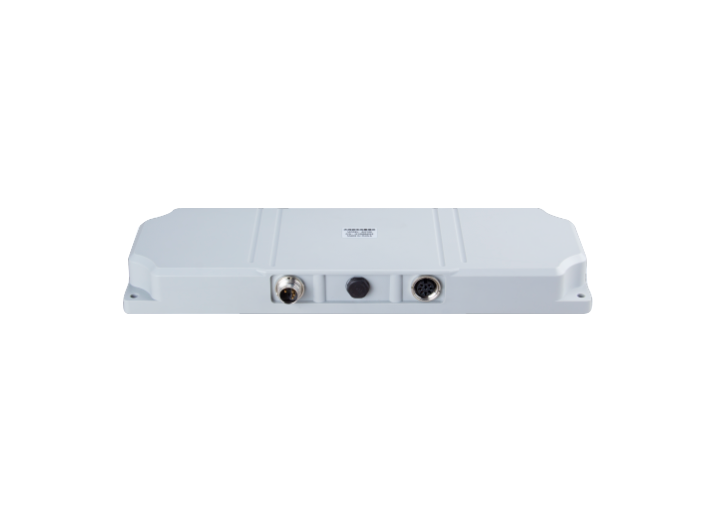
Insert the SIM card into the slot on the back of the XBASE, then manually restart the device for the SIM card settings to take effect.
Step 2: Open the Base Station Configuration
Reconnect to the XBASE and access the base station configuration interface.
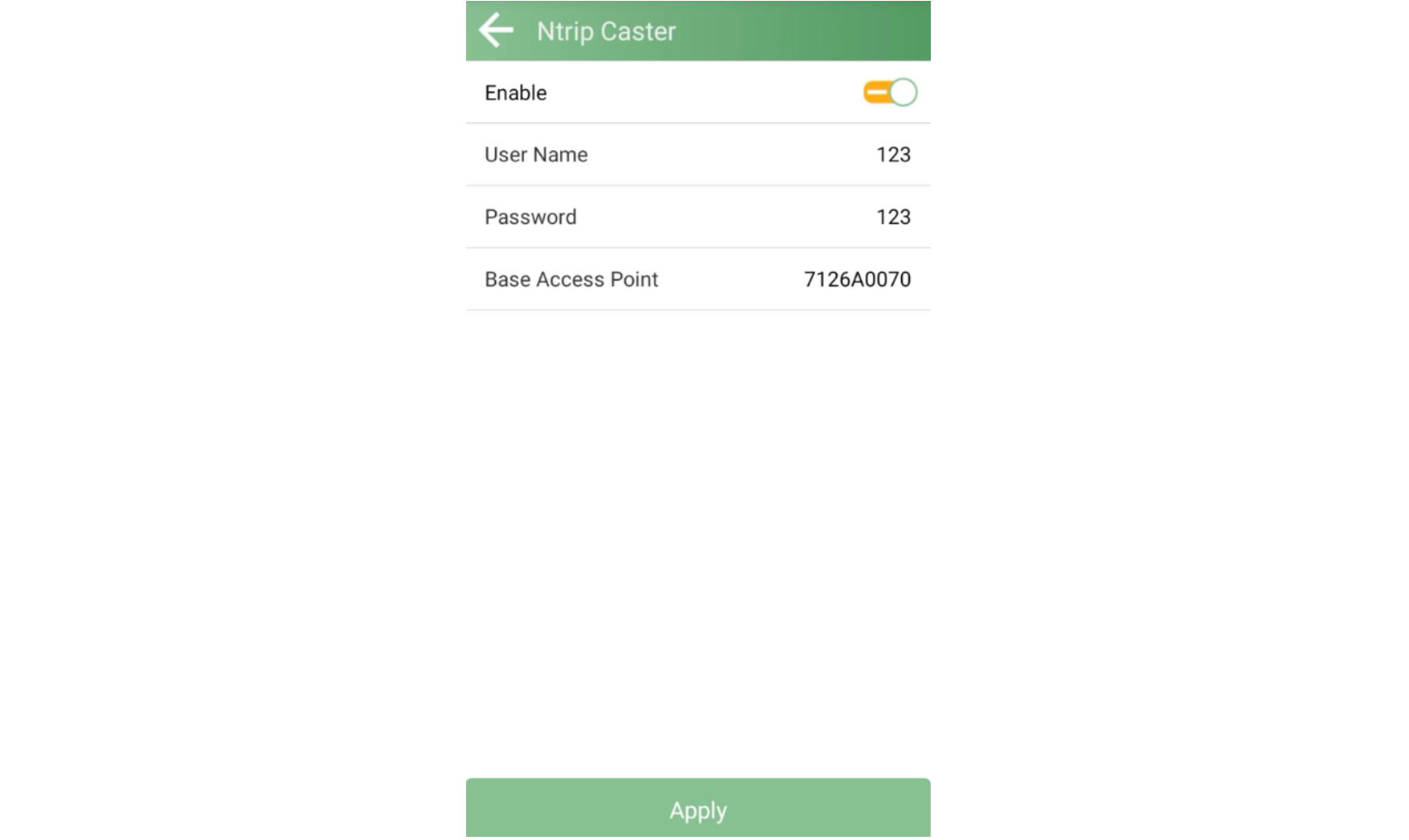
Step 3: Enable the Caster
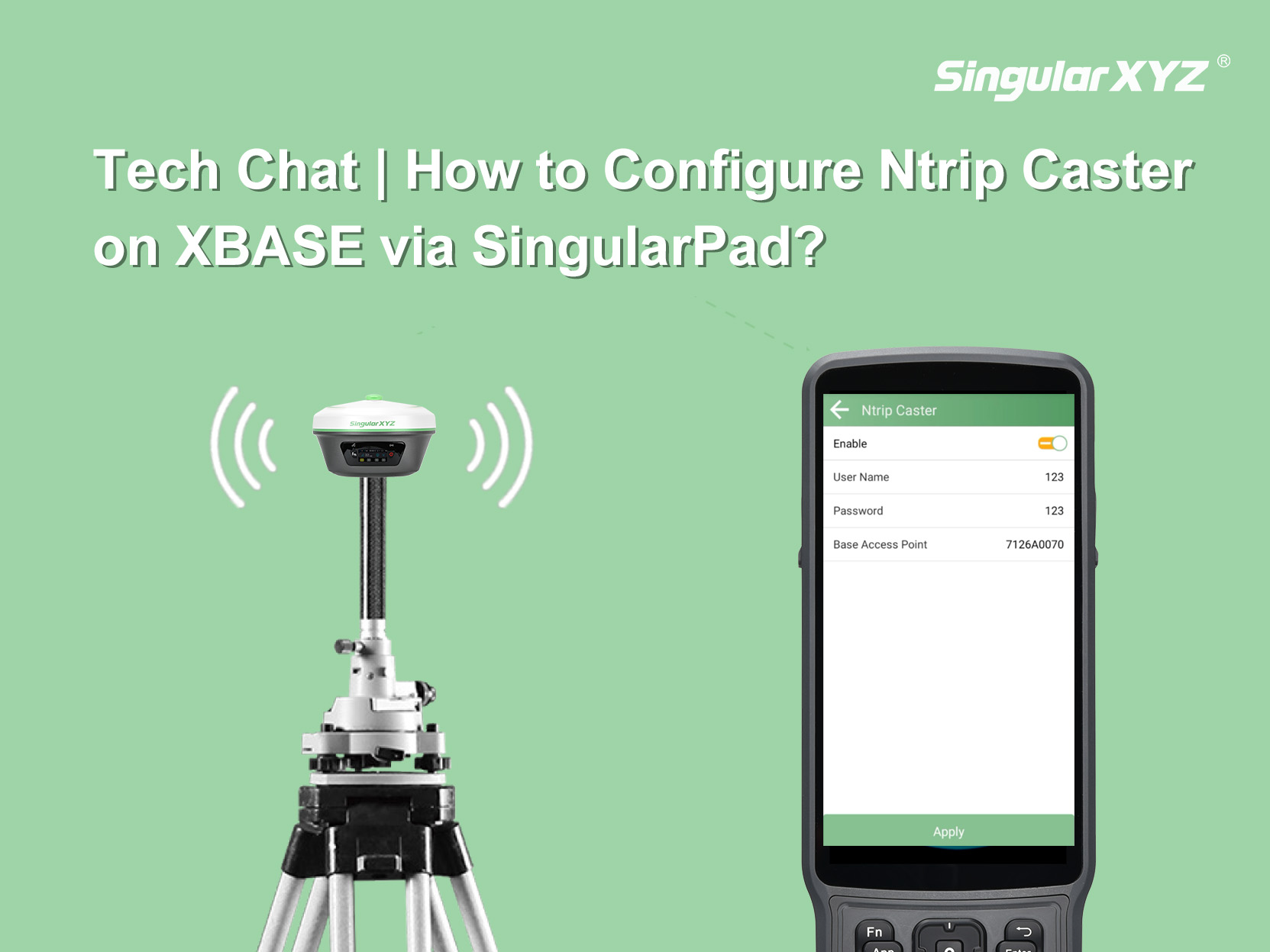
Enable the Caster function, then enter the Username, Password, and Base Access Point.
Step 4: Configure the Internet Connection
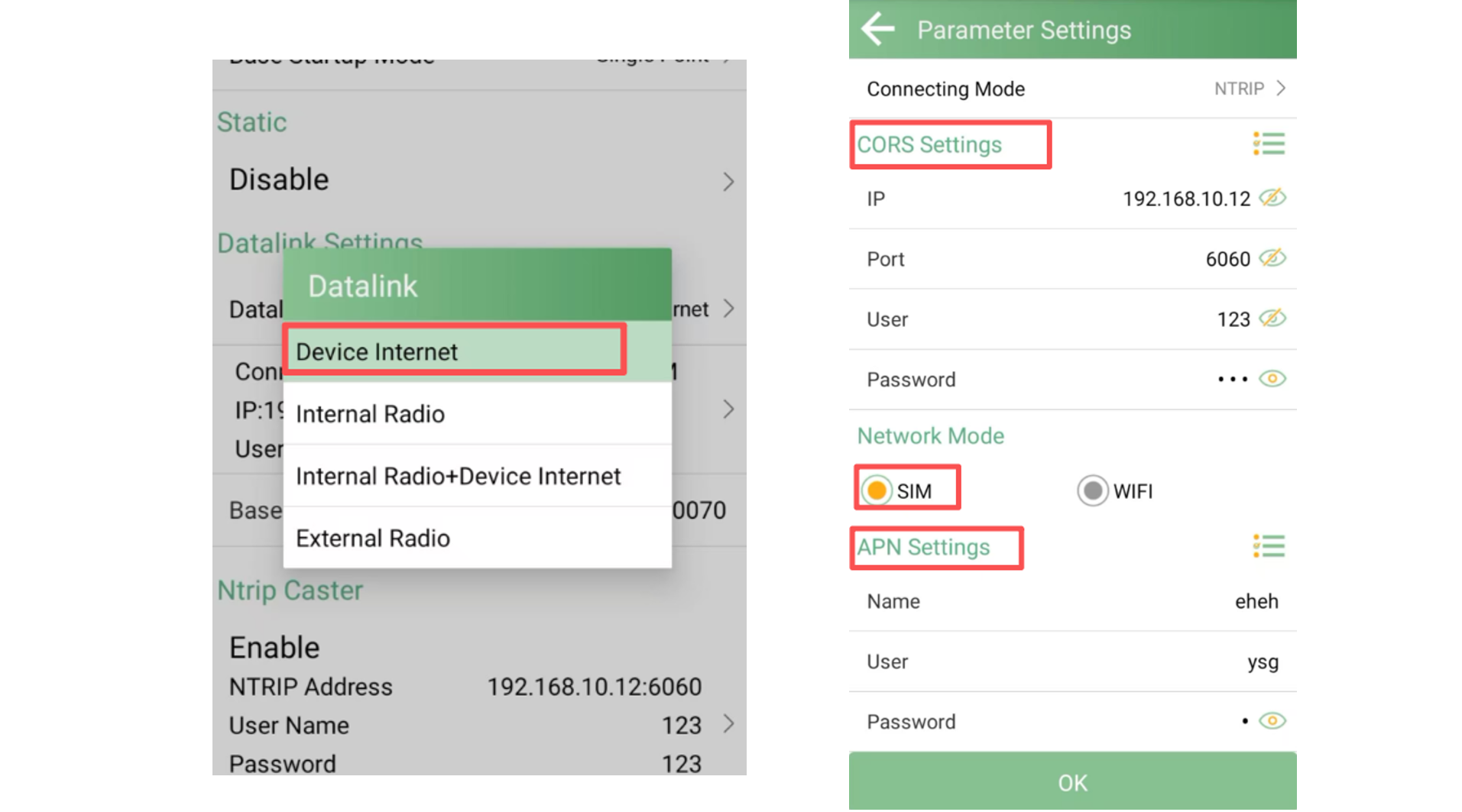
Select Datalink as the device's Internet connection. Then configure the CORS settings using the same parameters as the Caster. Select SIM as the Network Mode and configure the corresponding APN settings.
Once the base station has started successfully, the XBASE can forward its correction data through the Caster. The rover can then connect to the XBASE Wi-Fi network and access the correction data.
Here, we use an RTK device as an example.
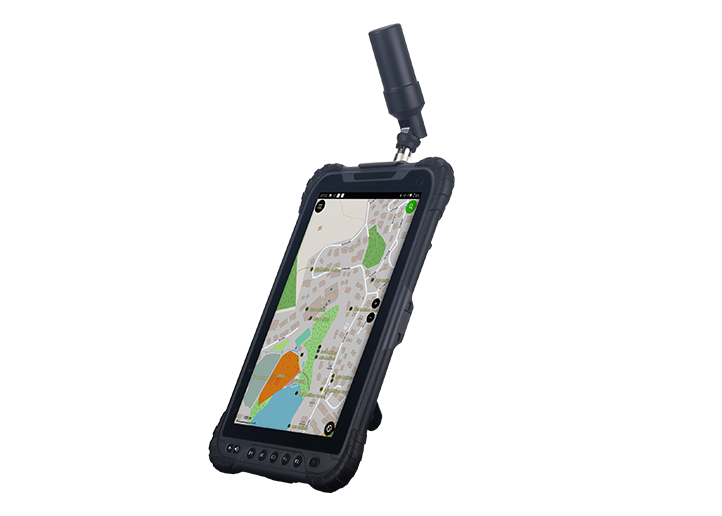
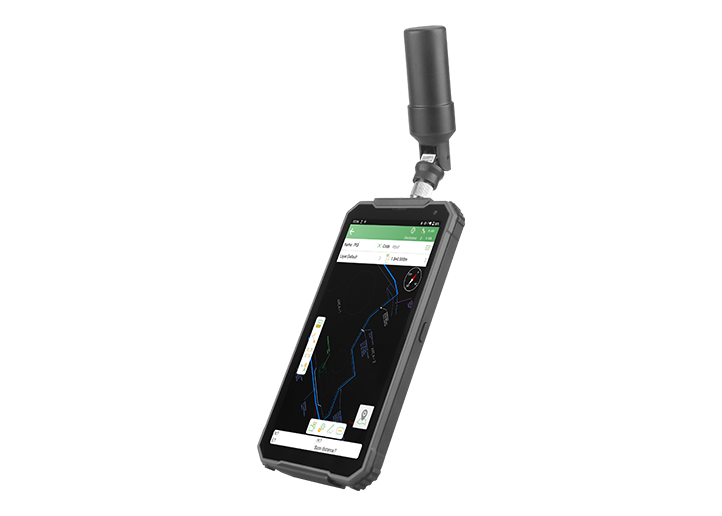
First, connect the data collector to the XBASE Wi-Fi network, then open the rover's CORS settings.
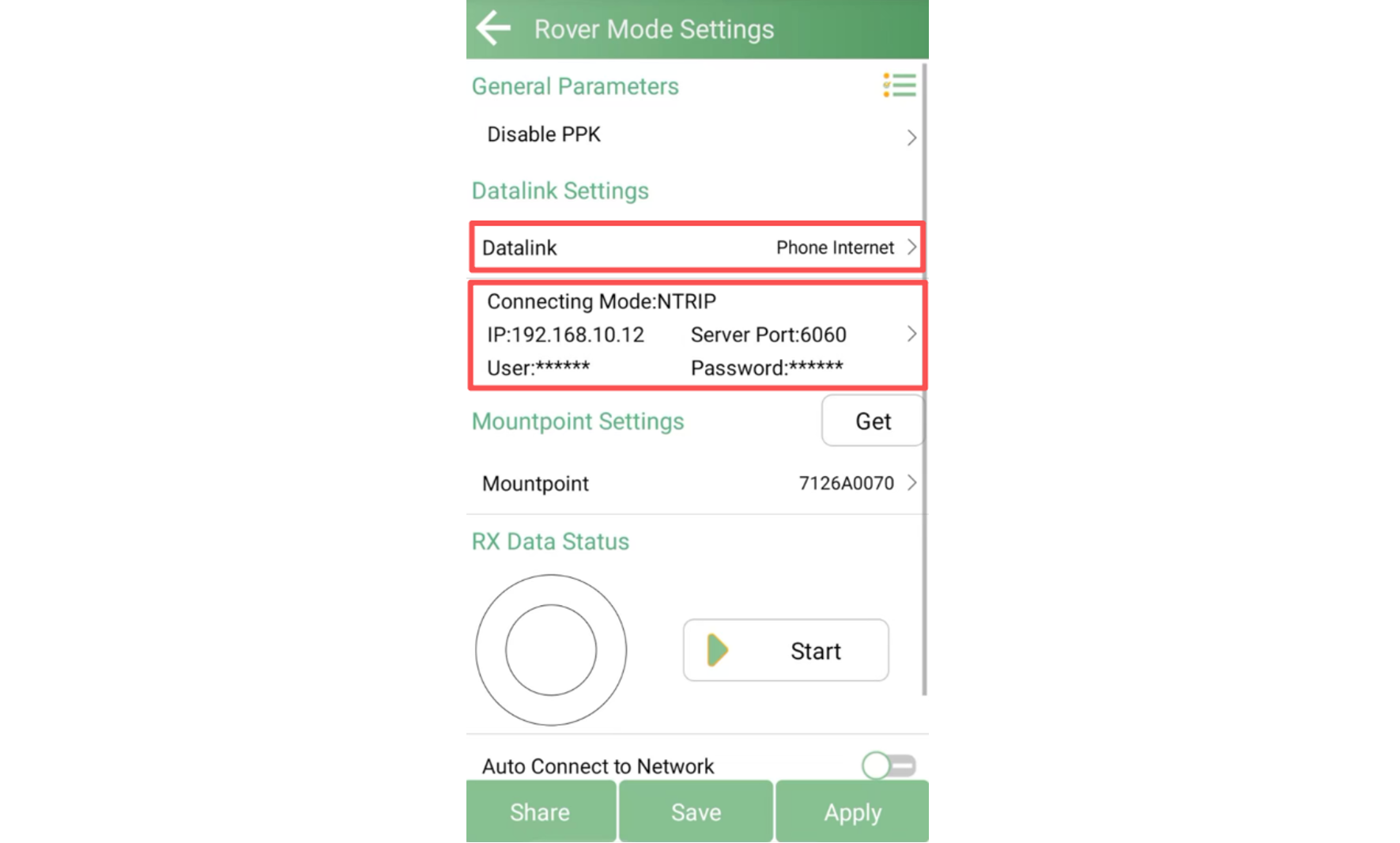
Enter the CORS IP address, port, username, and password. Click Get to retrieve the mountpoint configured as the XBASE Base Access Point.
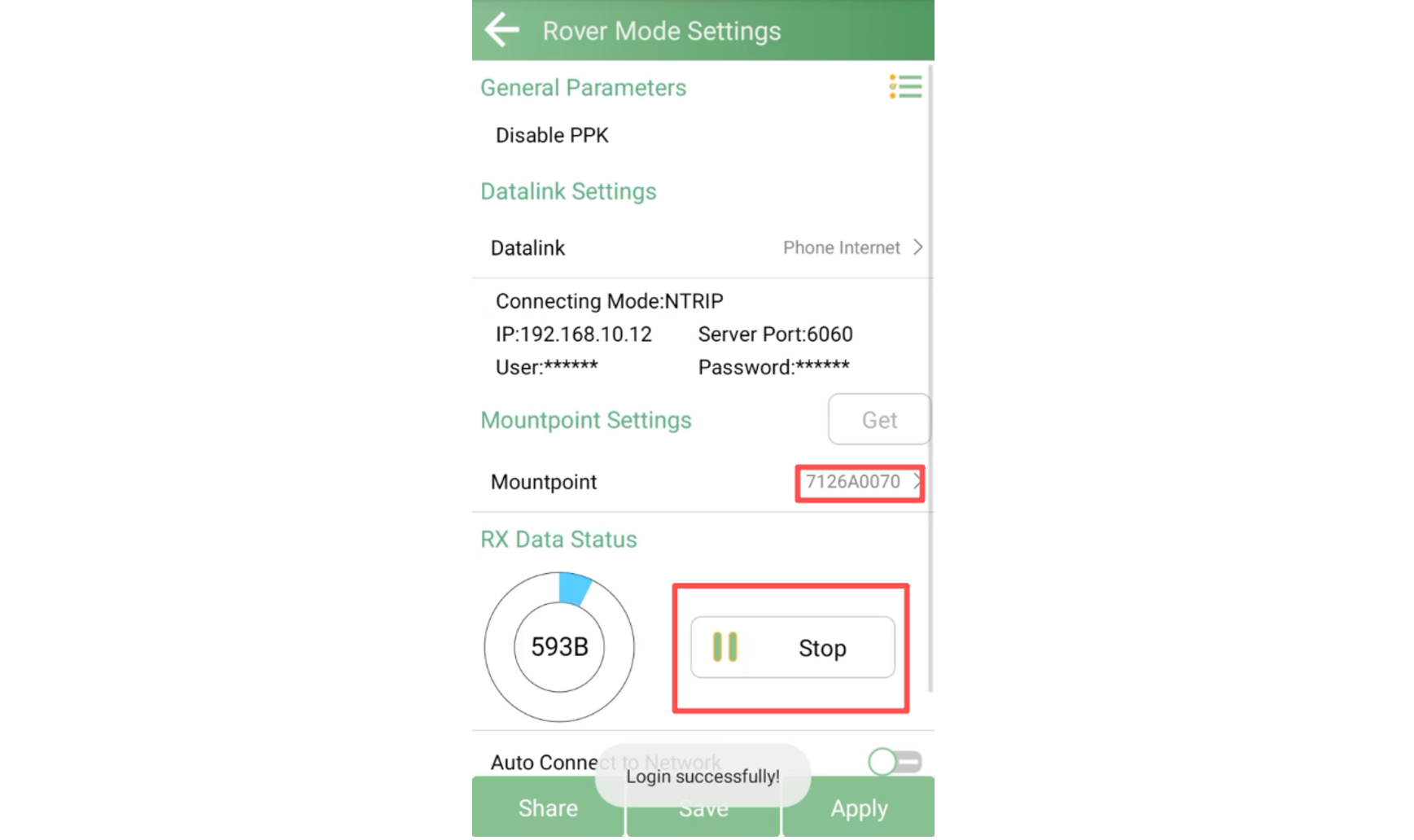
Once connected, the rover can receive the differential correction data transmitted by XBASE and obtain a FIXED solution.
This setup is not limited to GNSS RTK devices. XBASE can also provide correction data to applications such as drones, enabling centimeter-level positioning.
Two steps are easy to overlook:
Restart XBASE after inserting the SIM card. The device needs to be restarted for the SIM card connection to take effect.
Connect the rover to XBASE Wi-Fi first. The rover must be connected to the XBASE Wi-Fi network before retrieving the base station mountpoint. Otherwise, the mountpoint may not be retrieved successfully.
With the Caster configured, XBASE can act as a network-based correction data source, allowing connected GNSS devices and other equipment to access real-time differential corrections. Following the steps above, you can quickly set up the XBASE Caster and extend its correction service to different applications.