



































Blog
Professional product tutorials, test reports, technical skills
& industry knowledge for you.
Geospatial
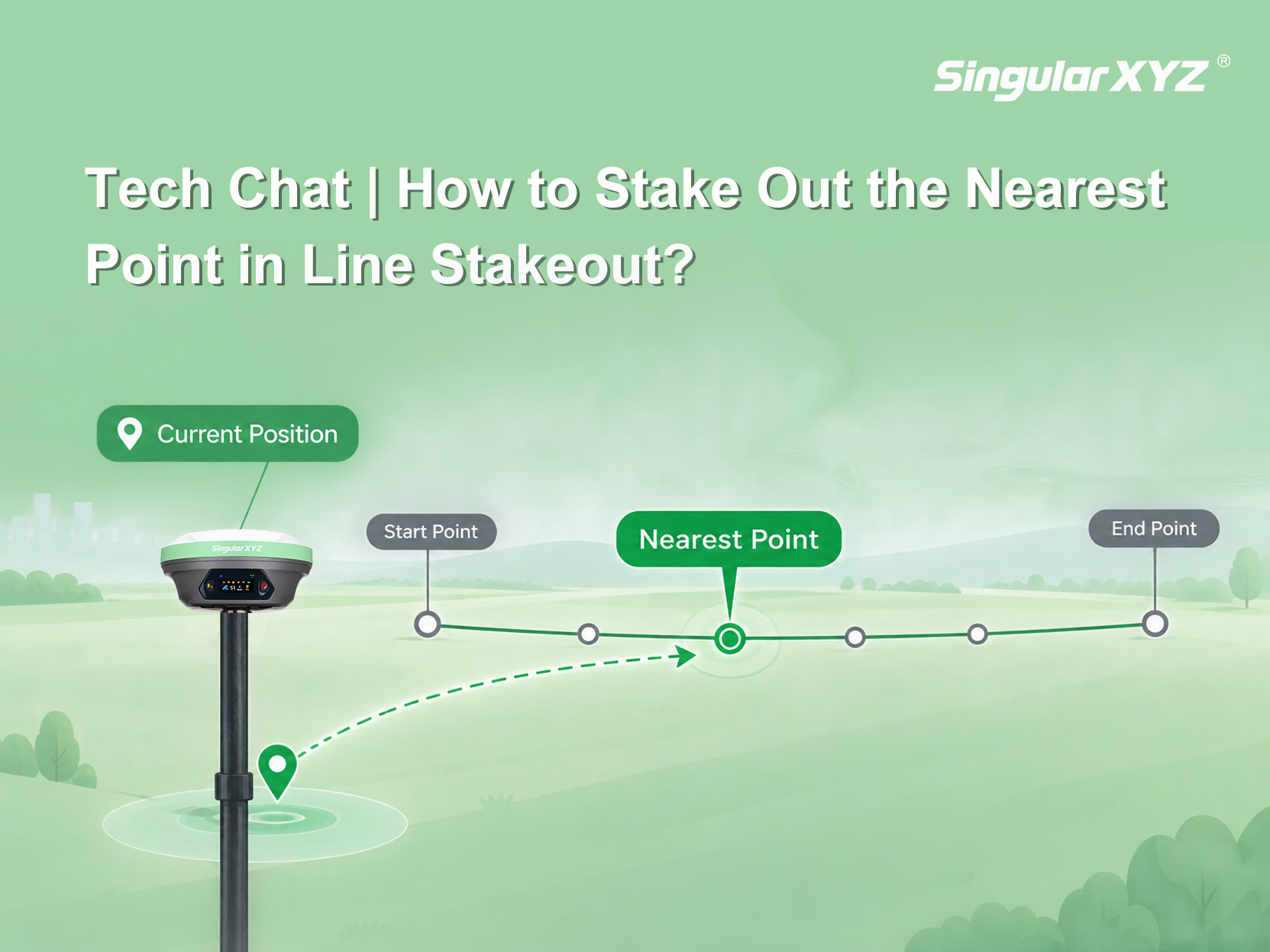
Tech Chat | How to Stake Out the Nearest Point in Line Stakeout
To address this, the stakeout settings provide an Auto Stake Out Nearest Point option: once enabled, the software automatically takes the point on the line closest to the receiver's current position as the stakeout target
learn more
Geospatial
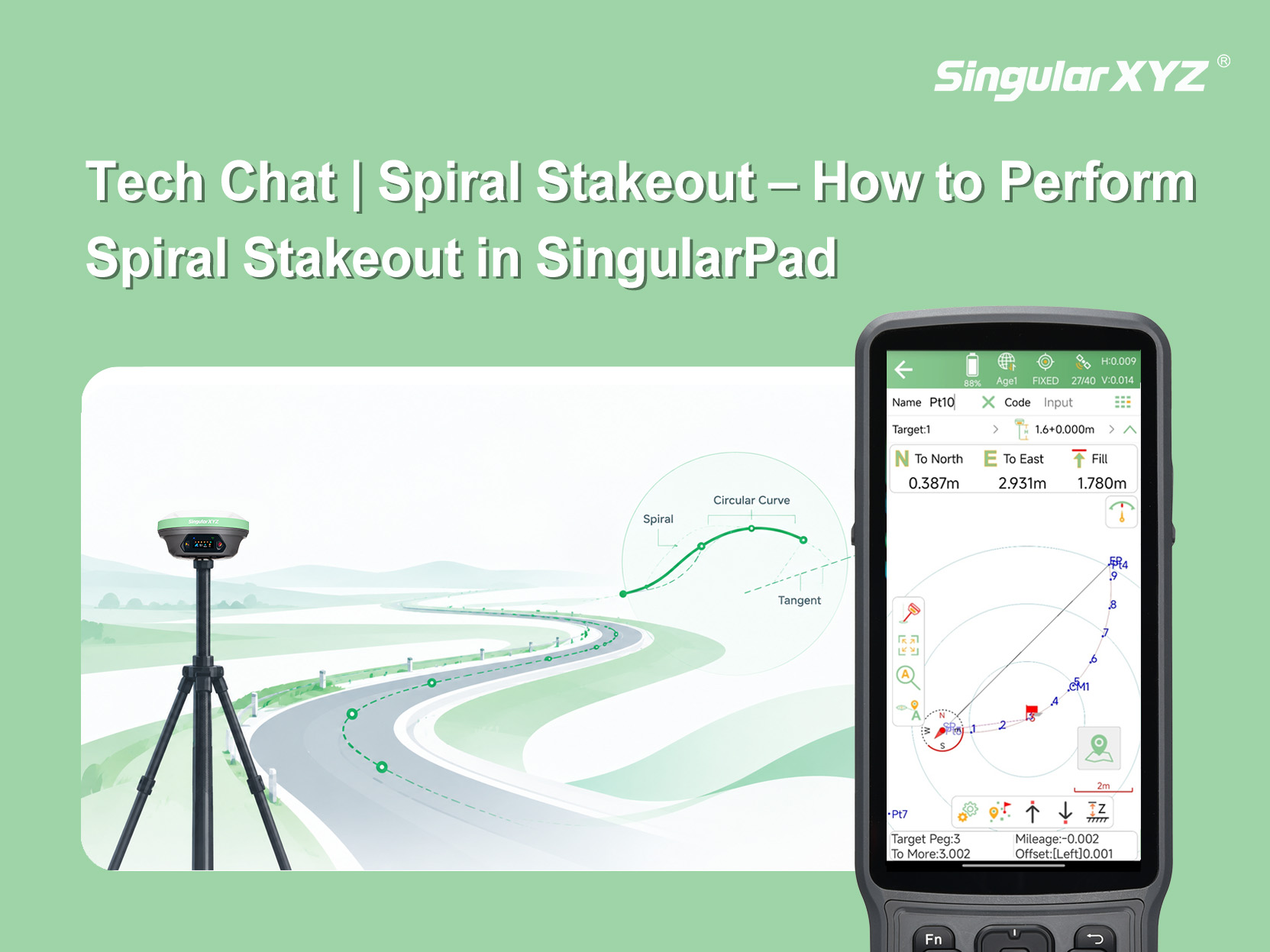
Tech Chat | Spiral Stakeout – How to Perform Spiral Stakeout in SingularPad
In the previous blog post, we introduced four ways to add curves for spiral stakeout. This article walks you through the spiral stakeout workflow in SingularPad
learn more
Geospatial
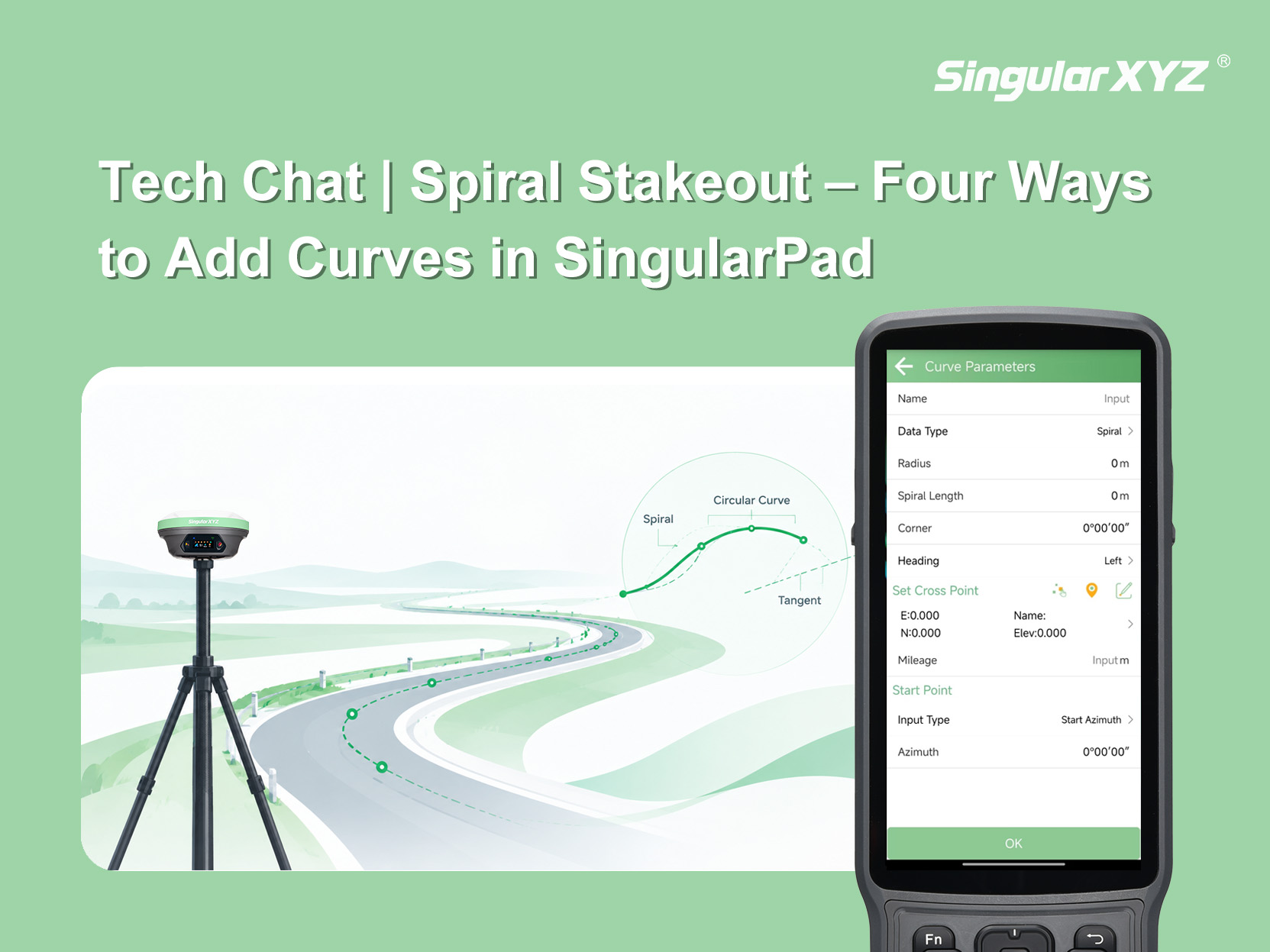
Tech Chat | Spiral Stakeout – Four Ways to Add Curves in SingularPad
Before performing spiral stakeout in SingularPad, a curve must first be added. SingularPad provides four methods for adding curves, allowing you to choose the appropriate method based on the design information available.
learn more
Geospatial
Tech Chat | Three Stakeout Reference Methods in SingularPad Explained
Stakeout tasks often depend on a data collector’s compass for direction. But in environments with magnetic interference, this can fail. SingularPad offers three alternative reference methods—E-Compass, Device Panel Towards, and Pole Tip Towards
learn more
Geospatial
Tech Chat | How to Stakeout Points Using Azimuth & Distance
In some countries like the United States, Canada, or parts of Europe — especially when working with legacy survey maps or cadastral plans — point positions are are described not by coordinates, but by their azimuth and distance relationships.
learn more
Tech Chat | Laser Stakeout - A Quick, Contact-Free Way to Verify Points
While AR stakeout provides intuitive directional guidance by overlaying point locations onto the real world through the camera, the built-in laser offers another layer of convenience in stakeout. But how exactly can the laser be used in stakeout?
learn more
Contact